Description
Key Features
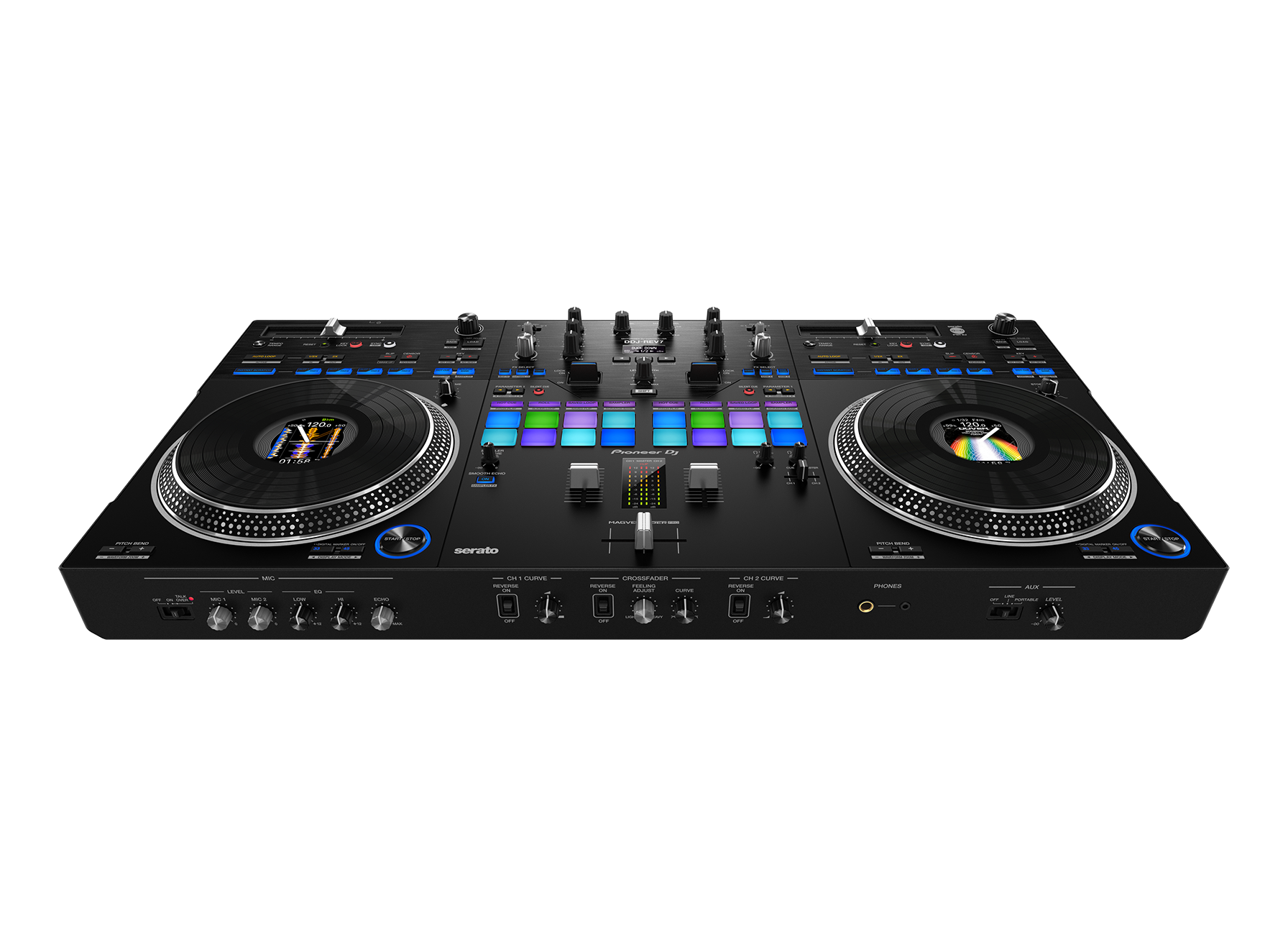
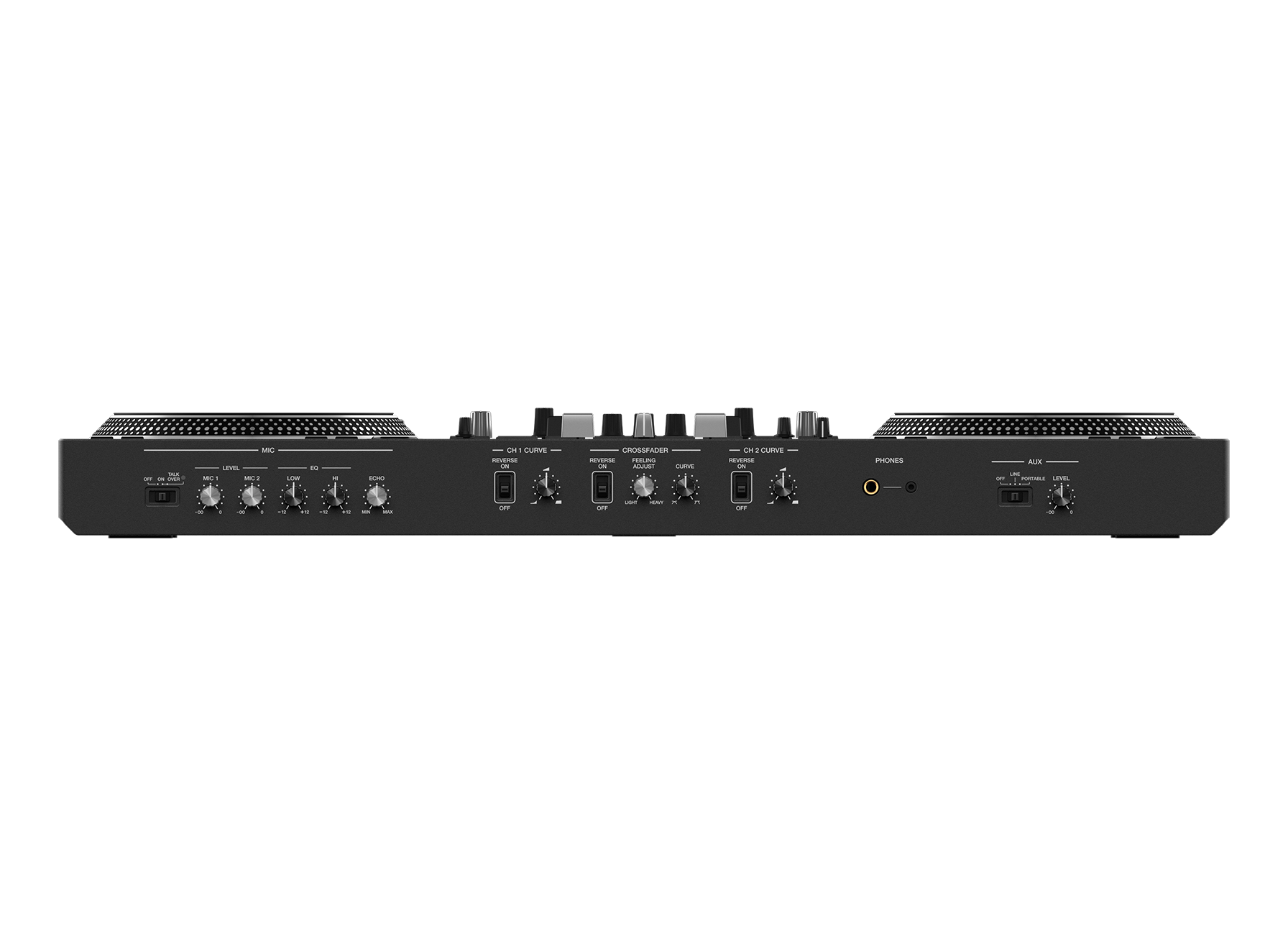
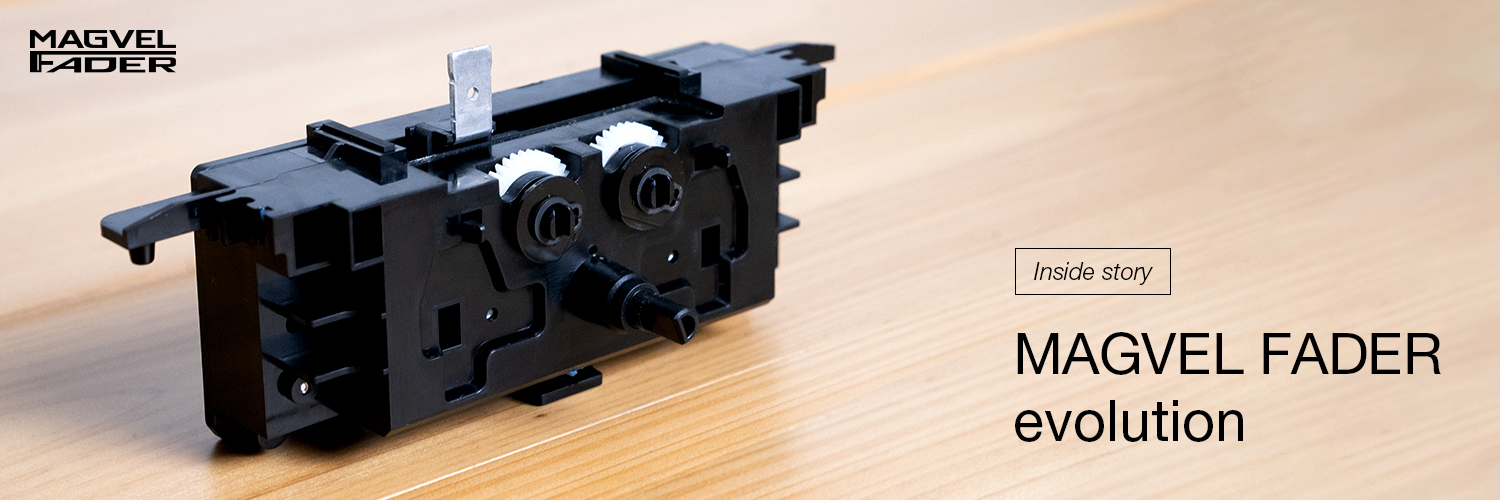
Large jog wheels and MAGVEL FADER for dynamic scratching
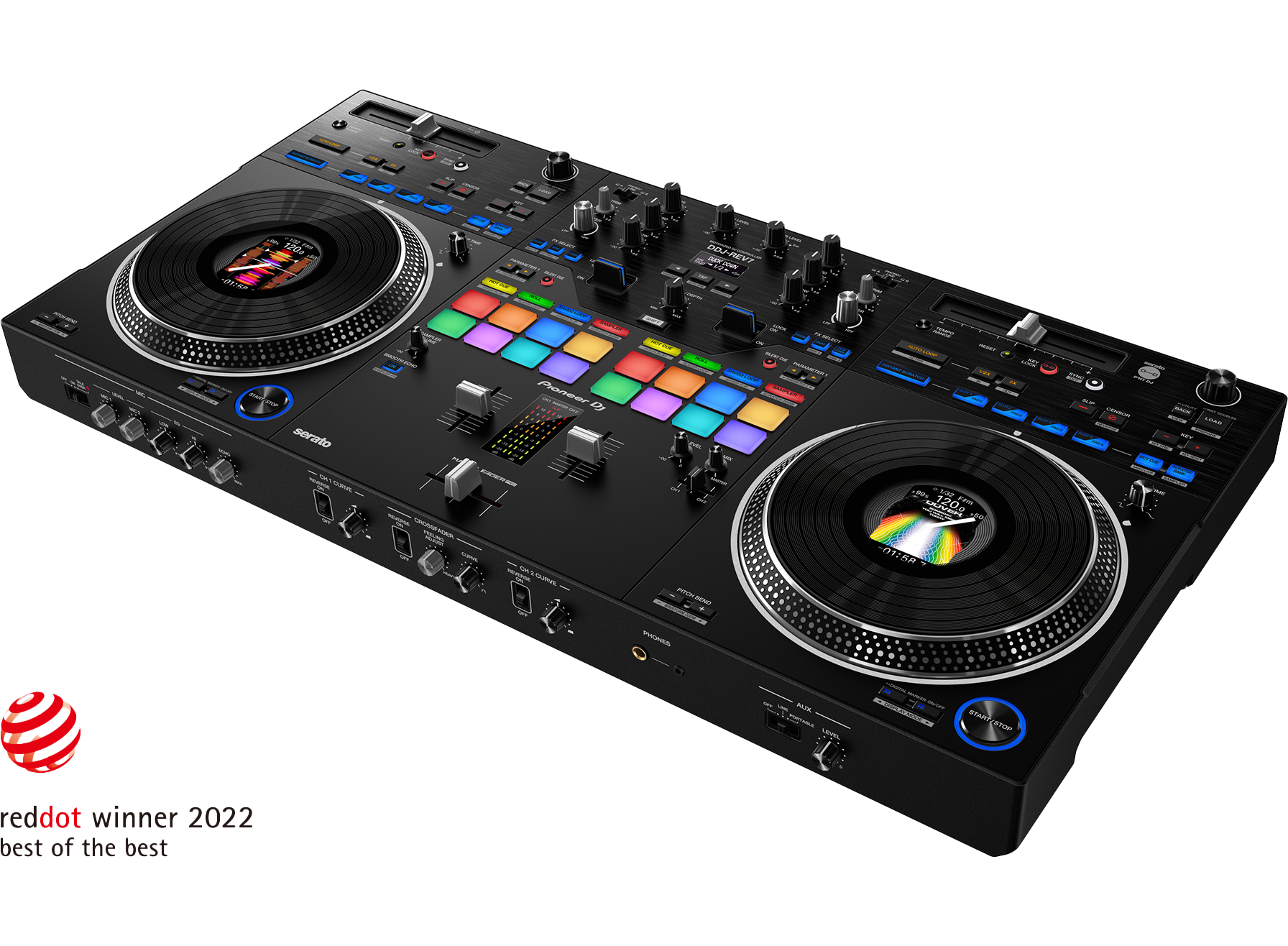
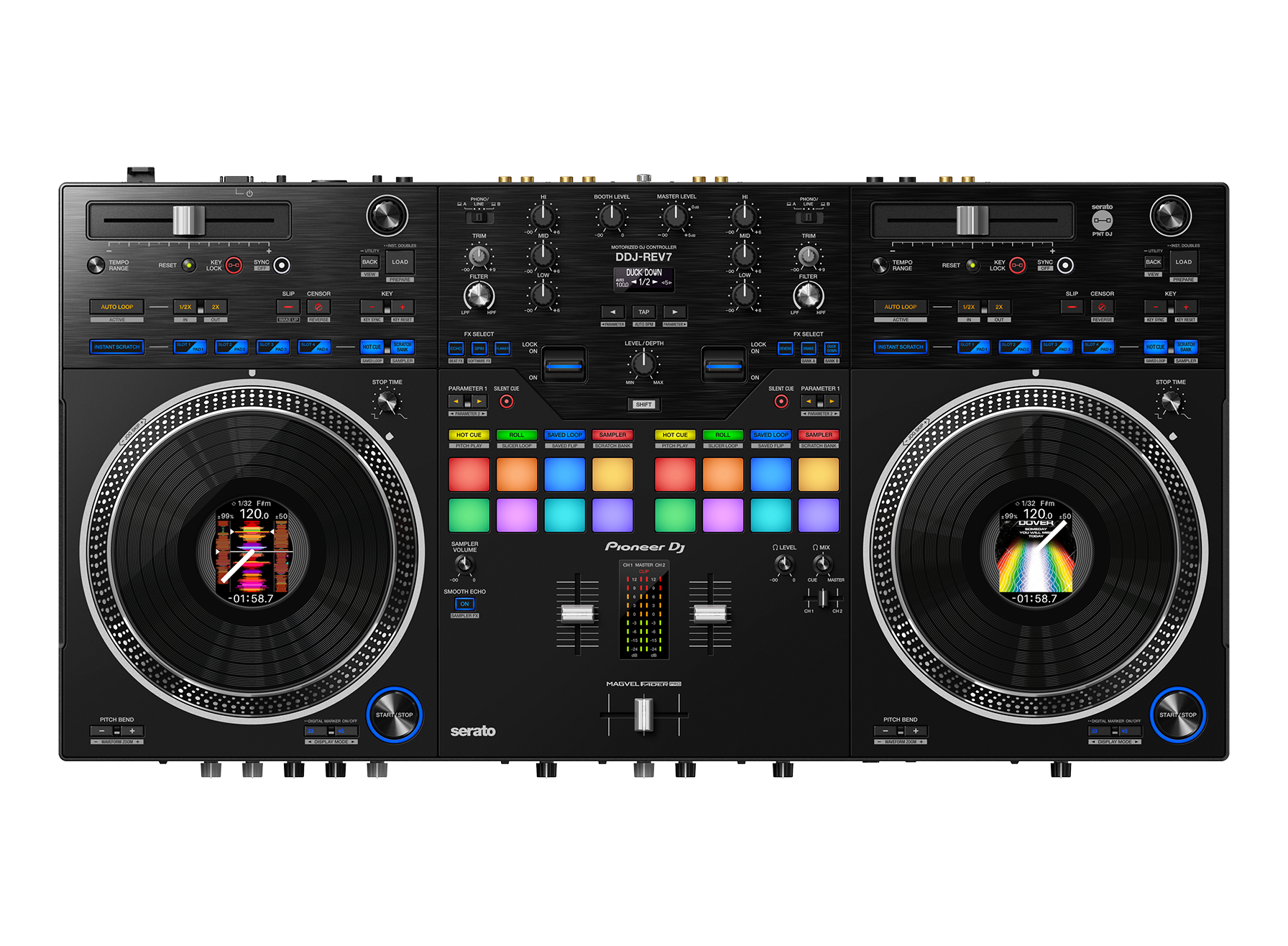
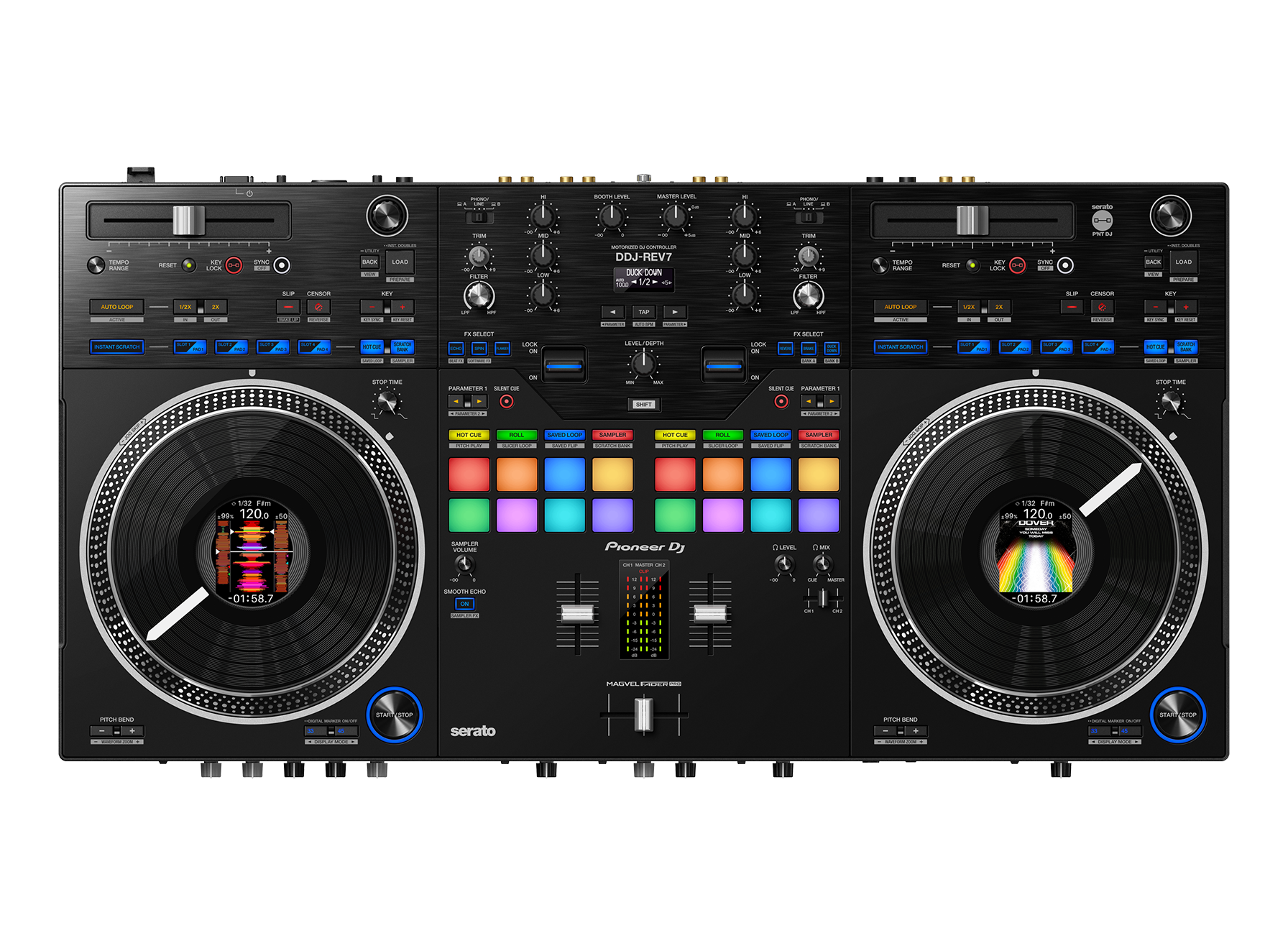
The large jog wheels are responsive, reliable, and easy to operate – with a feel just like those on classic CDJ units – and they each include a display with playhead position so you’ll always know where you are in the track. You can also customize the Jog Feel to find your perfect jog wheel “weight”. The MAGVEL FADER is slick, robust, and ready to translate every tiny movement you make so you can scratch with precision.
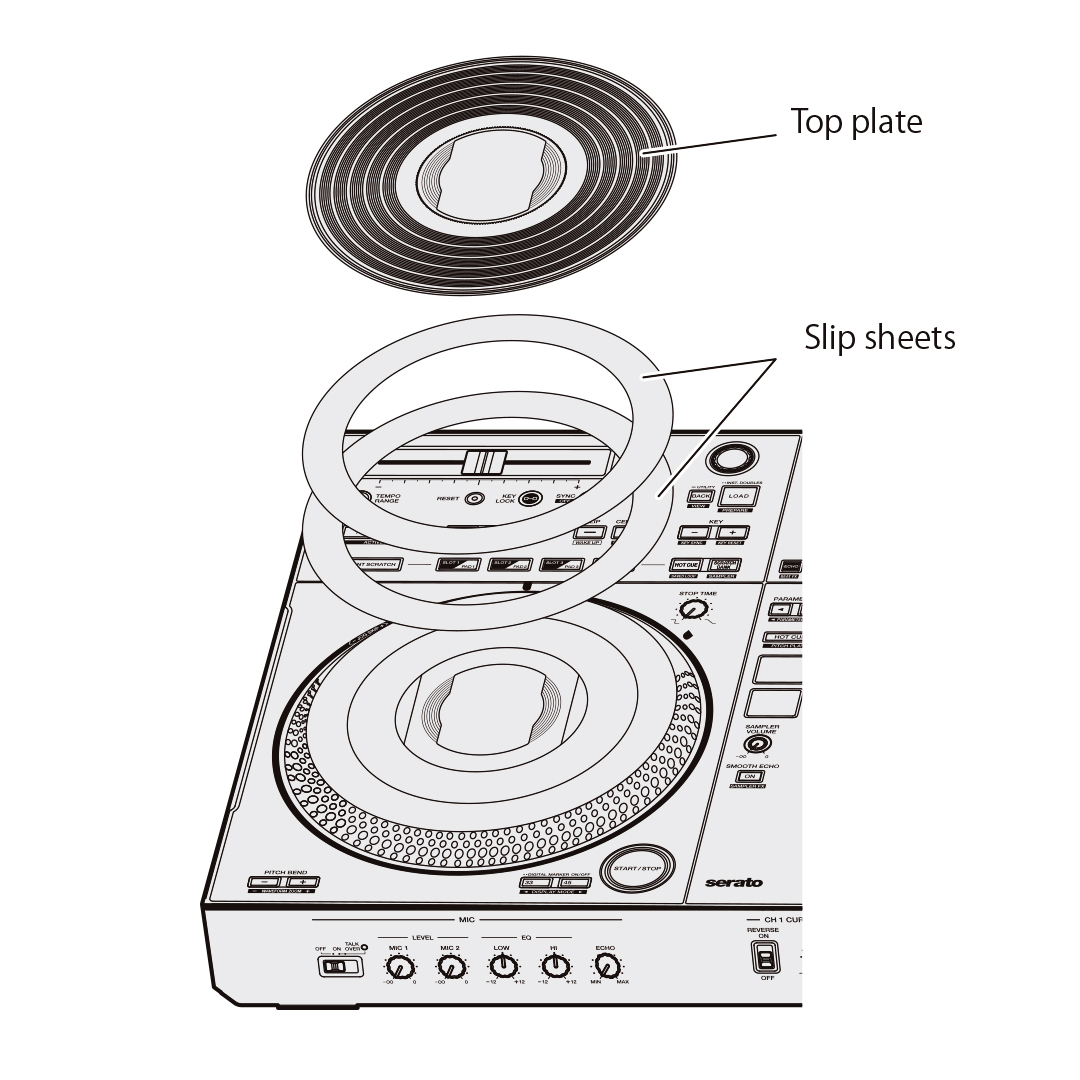
VINYLIZED JOG: Customize the feeling
The acrylic top plate is finished with a vinyl-like texture for effortless finger grip, and you can choose between low and high torque settings and use the two slip sheets included inside each deck to find your preferred amount of friction. Switch between a rotation speed of 33⅓ or 45rpm whenever you like and use the Stop Time setting to adjust how long it takes for the music to end when you press pause.
On Jog Display: Keep an eye on essential information
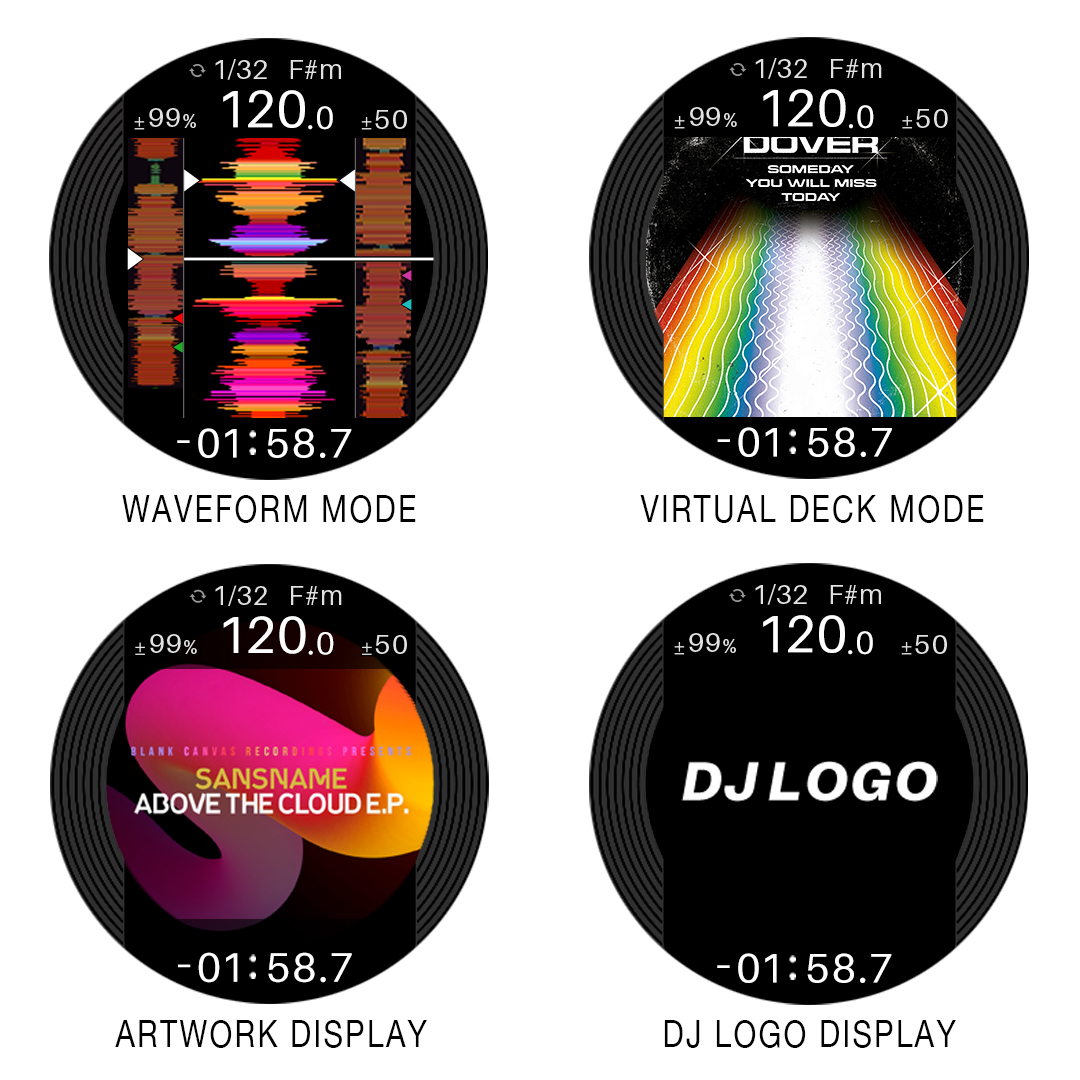
In the center of each jog wheel, a 3.5-inch LCD keeps important information at your fingertips so there’s far less need to switch your gaze between the decks and your laptop. Thanks to an omnidirectional viewing angle, you can see what’s being displayed from any angle, and you can turn off the digital marker that indicates the playback position whenever you want. You can also mark each jog wheel with the included stickers if you prefer this method to the digital marker.
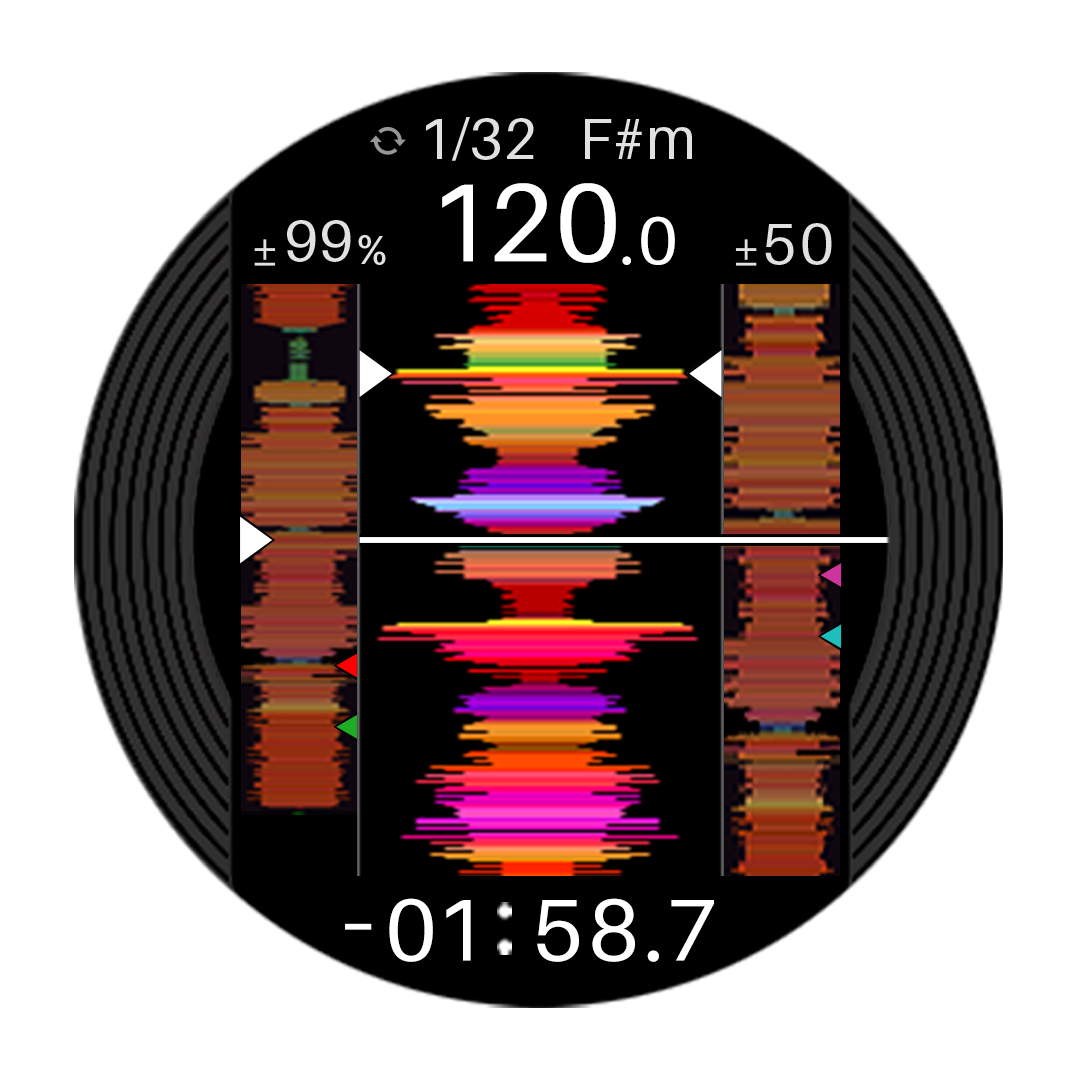
Waveform mode
See the overall waveform of the track on that deck, plus the detailed waveforms of the tracks on both decks side-by-side to help you make quick, intuitive adjustments. You’ll also have an eye on the BPM, playback speed (tempo), remaining or elapsed time, digital marker for the playback point (which you can turn off), and the number of beats in the loop when one is playing.
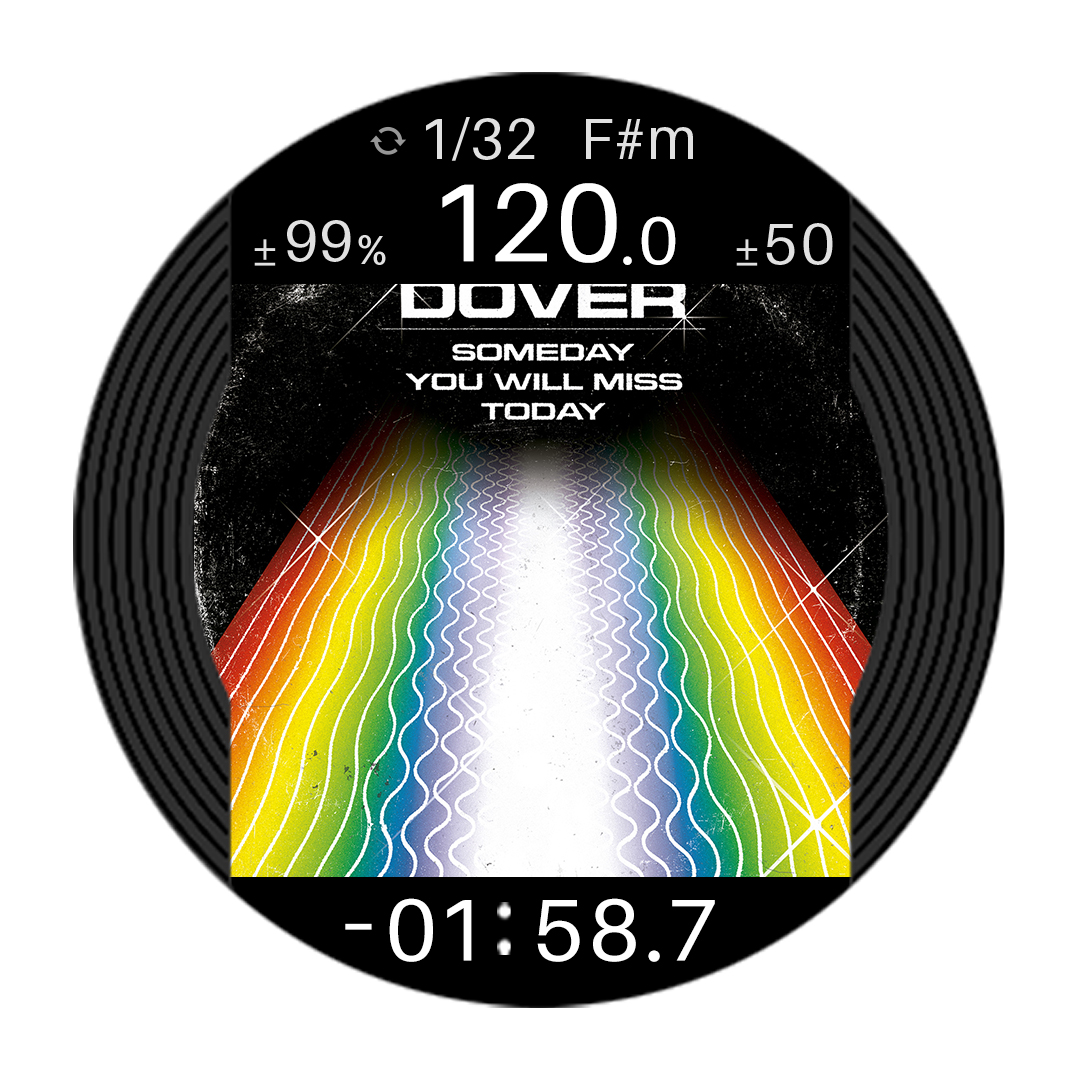
Virtual Deck mode
View the virtual deck and the number of beats to the next Hot Cue point.
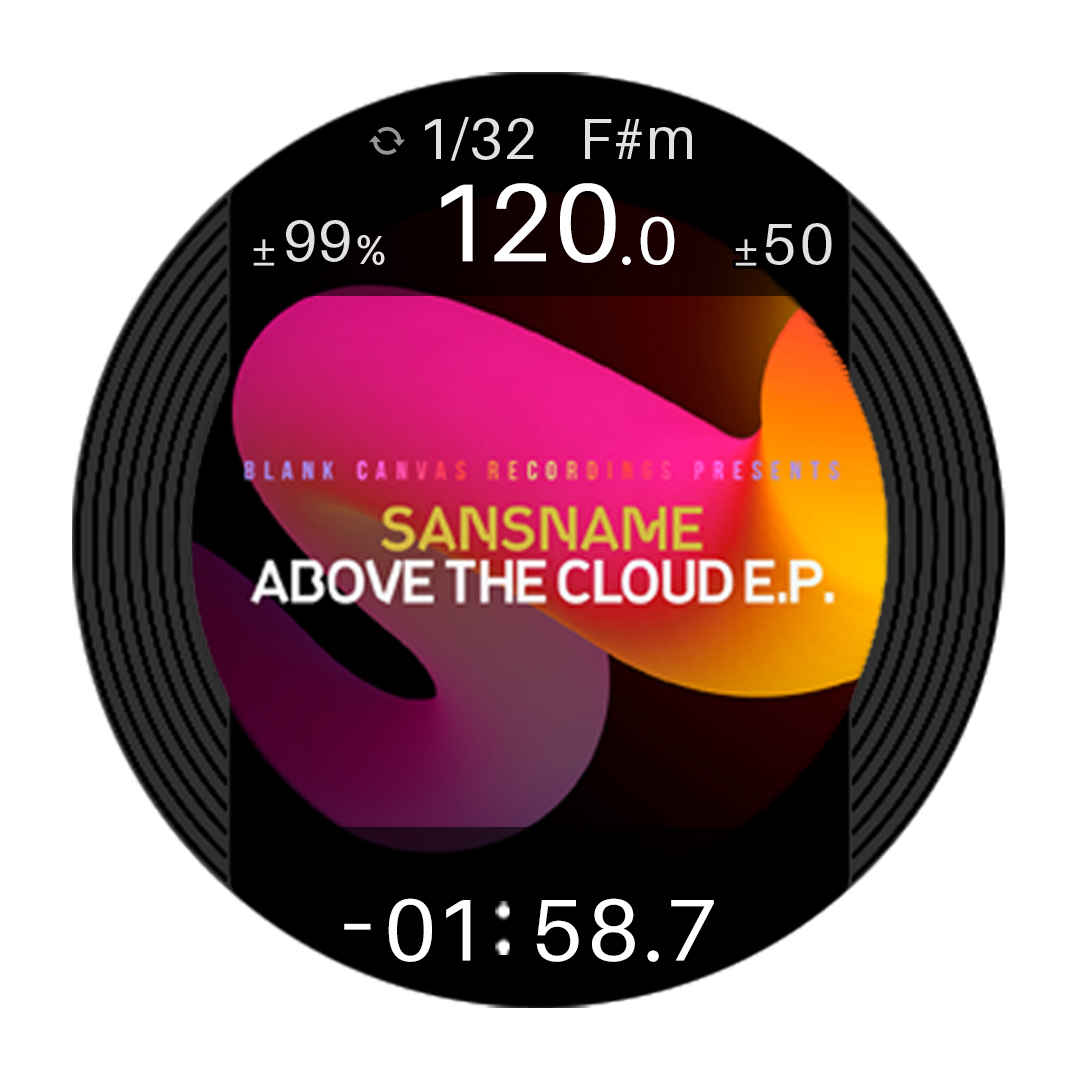
Artwork display
Display the artwork for the track that’s playing.
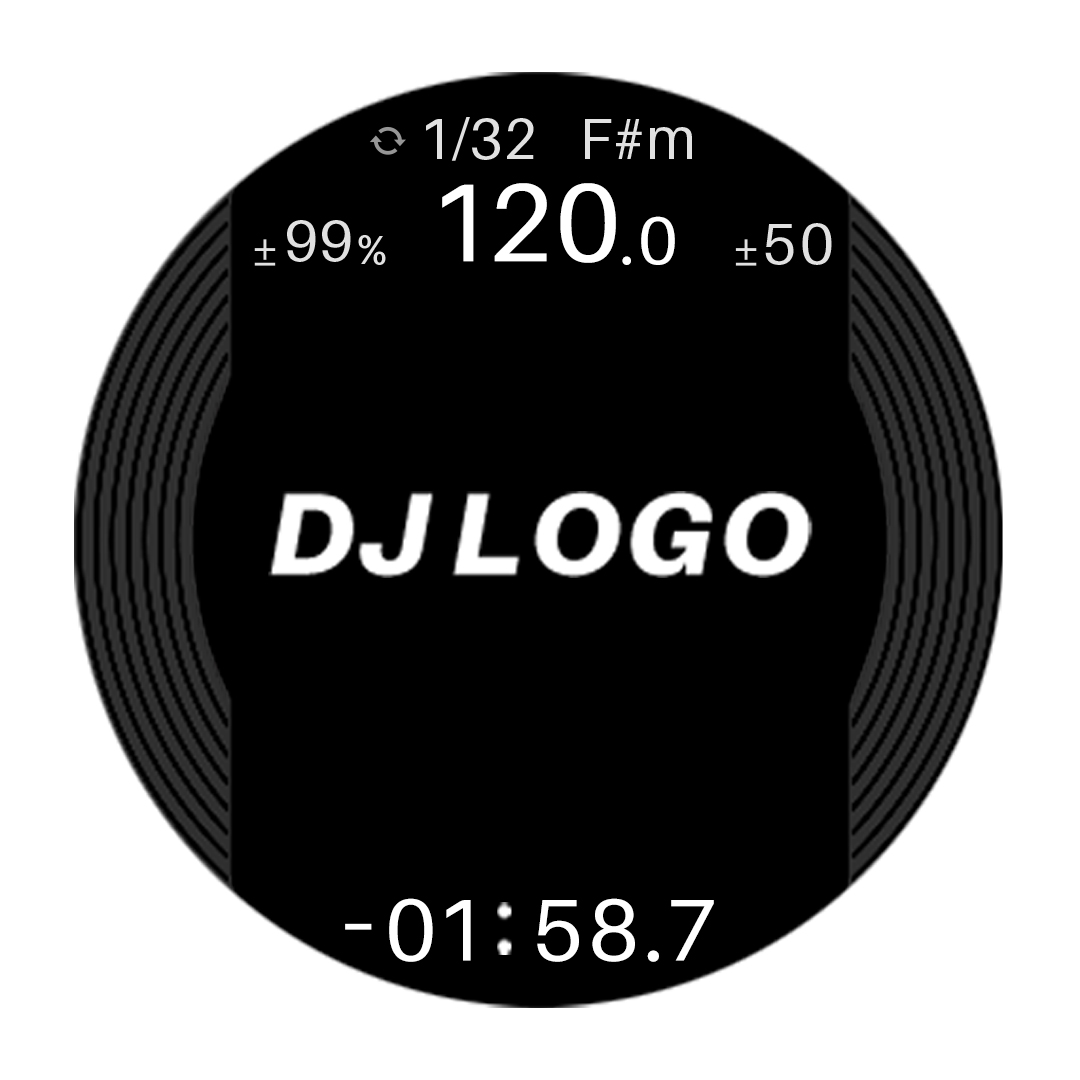
DJ Logo display
Display your own logo or favorite image on each deck after using the Image Transfer Tool for PC/Mac to load it onto the DDJ-REV7.
Instant Scratch: Rapidly fire samples with dedicated buttons
The DDJ-REV7 has 4 original scratch samples that you can trigger by pressing the corresponding hardware buttons. Because the sounds are built in, you can fire them at any time – even if the controller isn’t connected to your laptop. If you want to use your own samples in your set, you can instantly load scratch samples from 4 banks that you’ve assigned in Serato DJ Pro or rekordbox with the Scratch Bank feature (Sample Scrach if you’re using rekordbox).
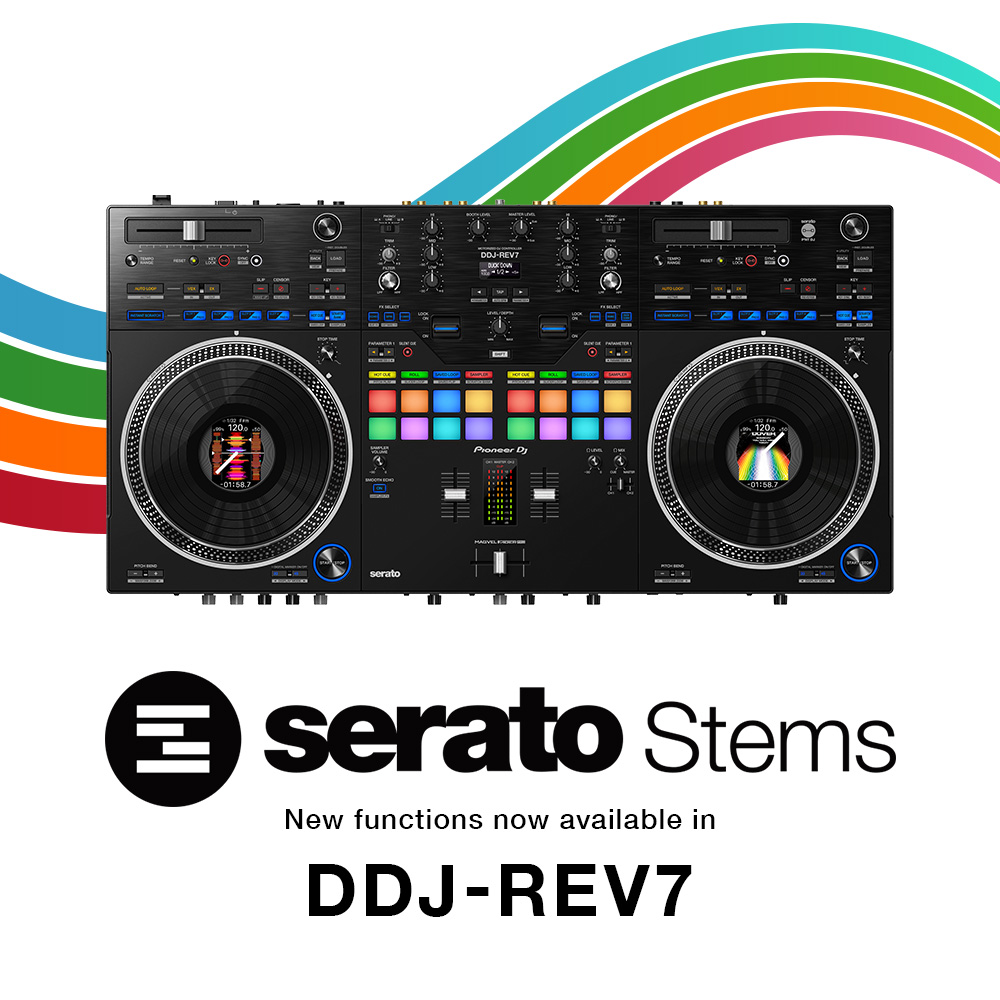
Serato Stems capabilities for more innovative and creative performances
Serato Stems functions can now be controlled directly from the Deck Pads.
Simply press the Hot Cue and Scratch Bank buttons simultaneously in the Deck Pads section of the deck you want to use.
- Stems Mute
Mute different Stems in real-time to create your own mashups on the fly. - Stems Separate
Move an isolated Stem to another deck to make live remixes, add effects, or manipulate it further without affecting the other Stem from that track. - Stems Level
Use the EQ knobs to adjust the volume for separate Stems.
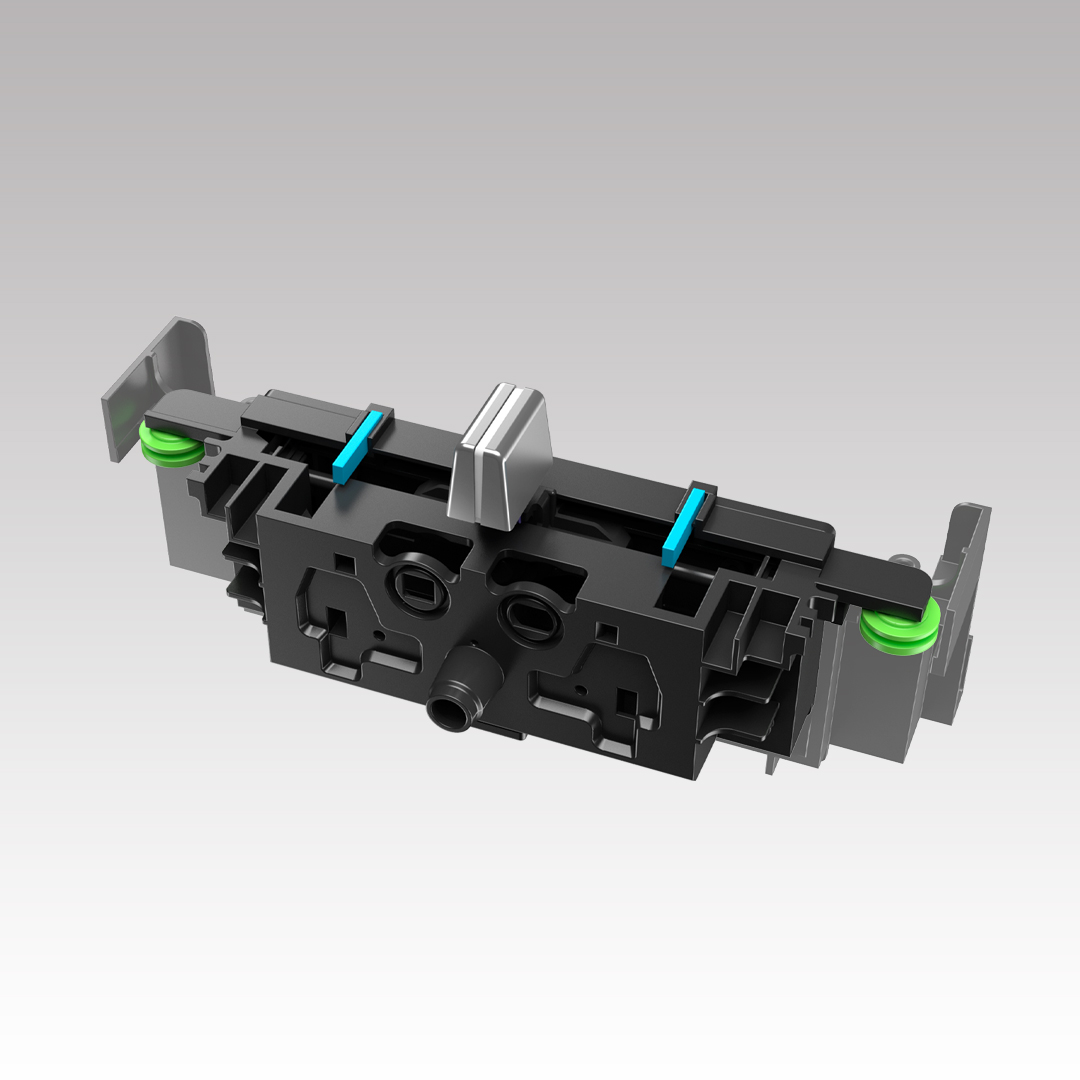
MAGVEL FADER PRO: Scratch freely
Scratch with style and confidence when you use the MAGVEL FADER PRO. As well as being highly robust, it’s customizable with various settings to help you find the feel that’s right for you.
22 built-in Beat FX including 3 new additions: Dynamically change the sound
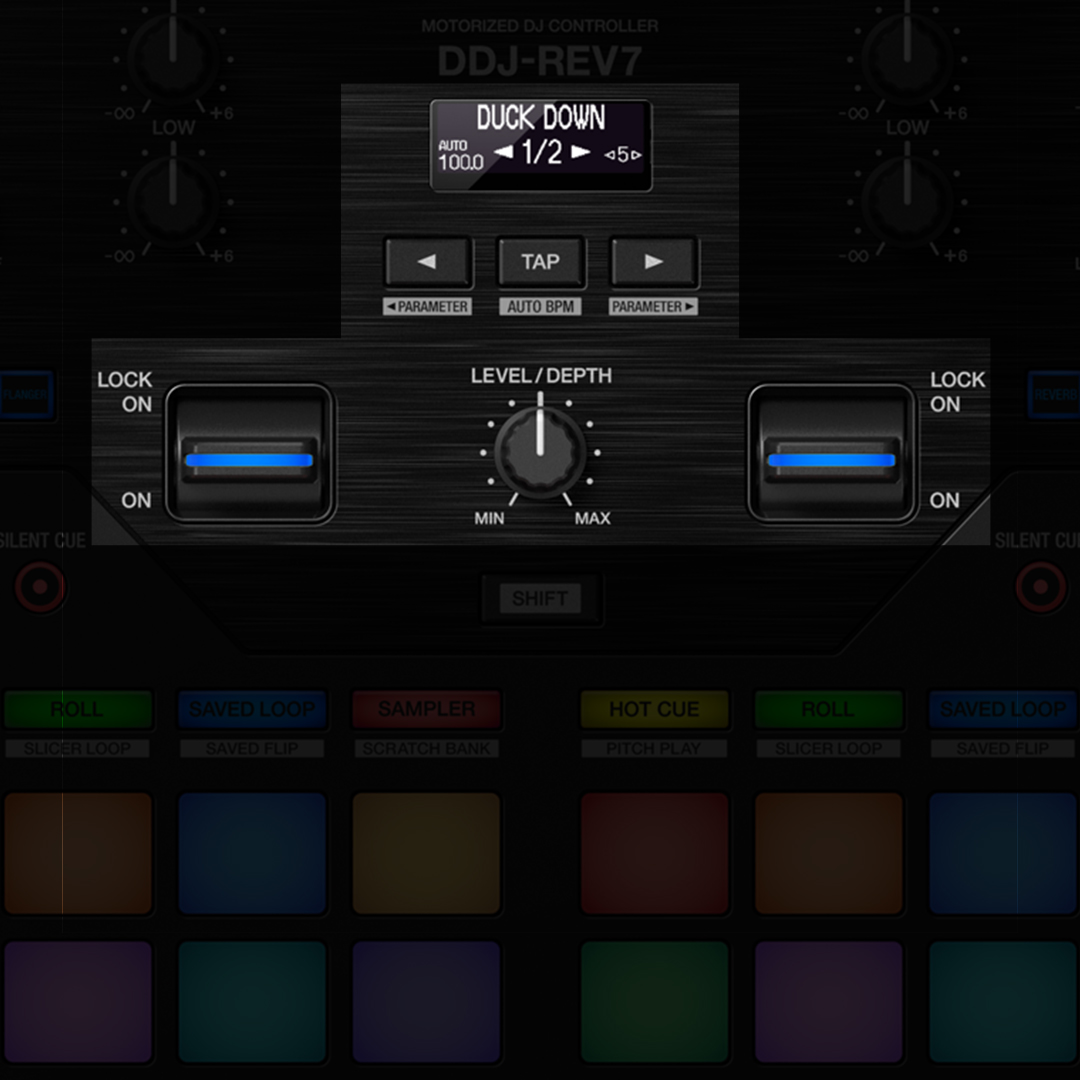
Add drama to your track transitions with the 3 brand-new Beat FX. In total there are 22 Beat FX which you can trigger with the dedicated controls (New Beat FX: Duck Down, Fill Out and Helix Out).
You can also pull the effects levers down and hold them to apply effects from Serato DJ Pro or rekordbox in short bursts, or push them up to lock effects on and free up your hands for scratching or track browsing.
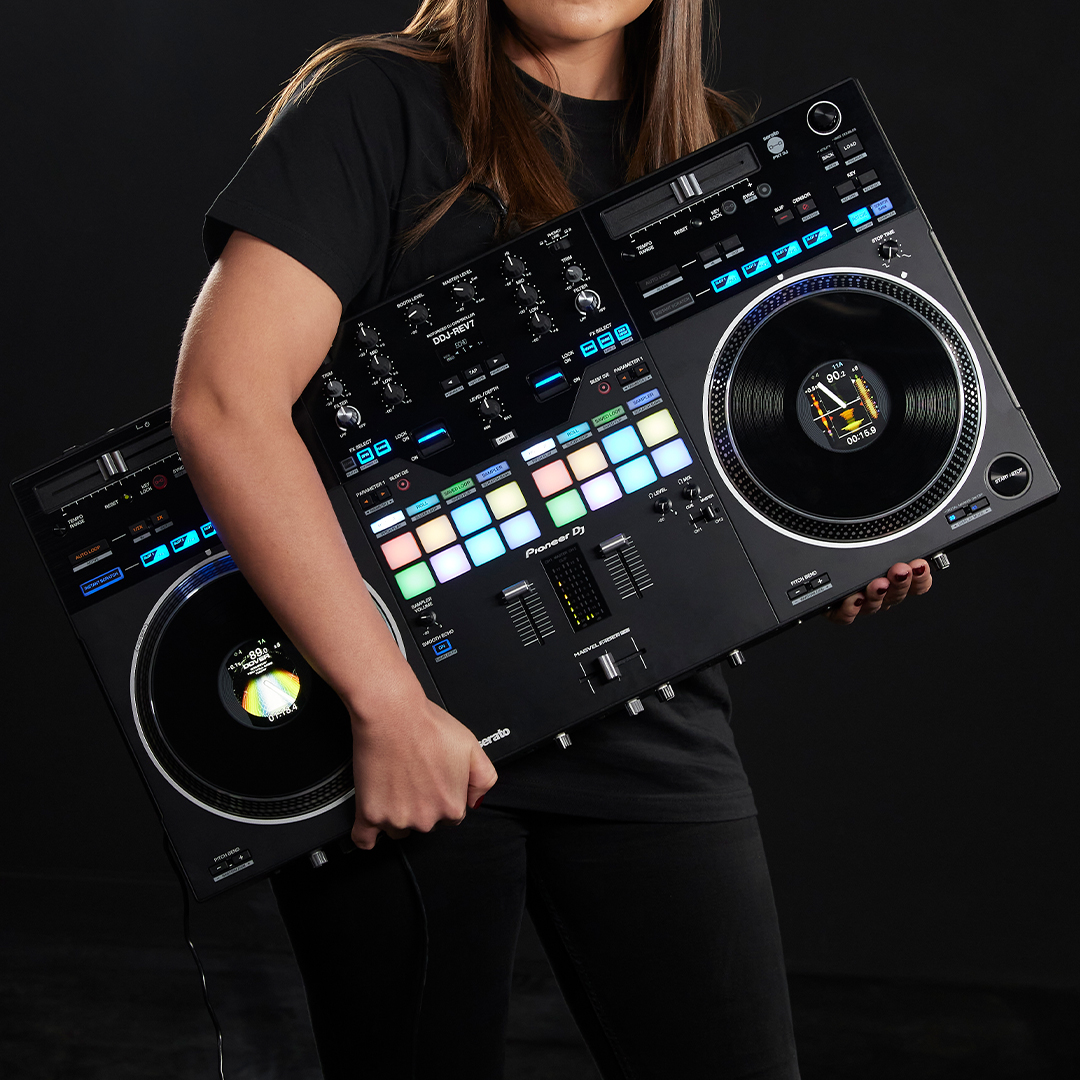
Portable, sophisticated design: Take your performances anywhere
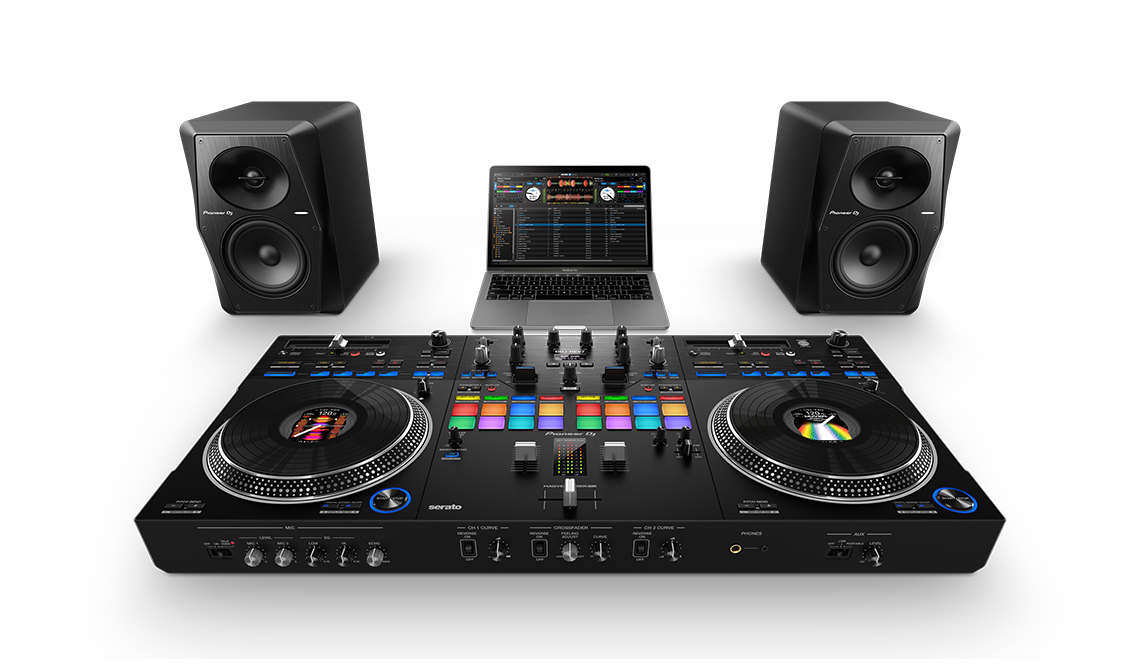
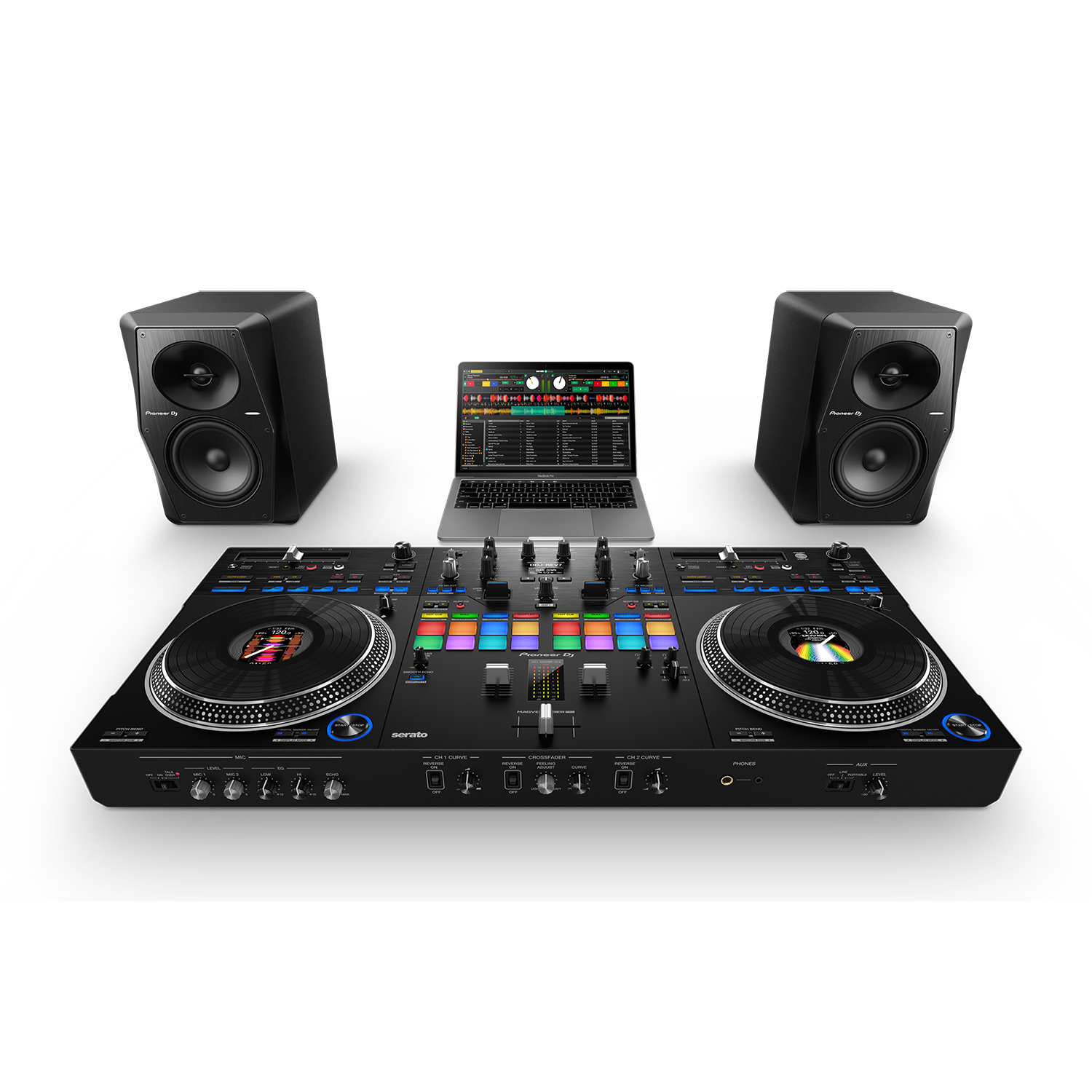
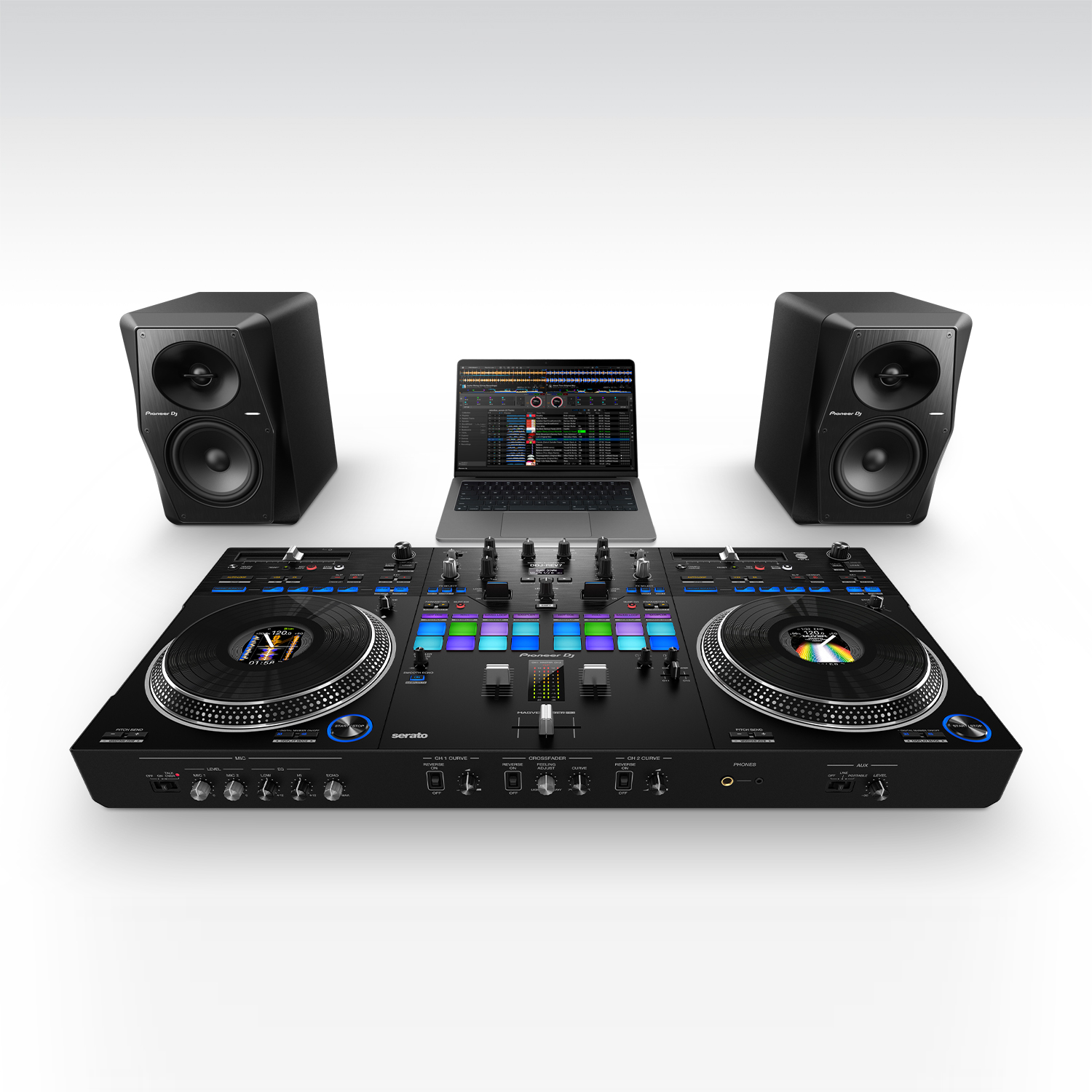
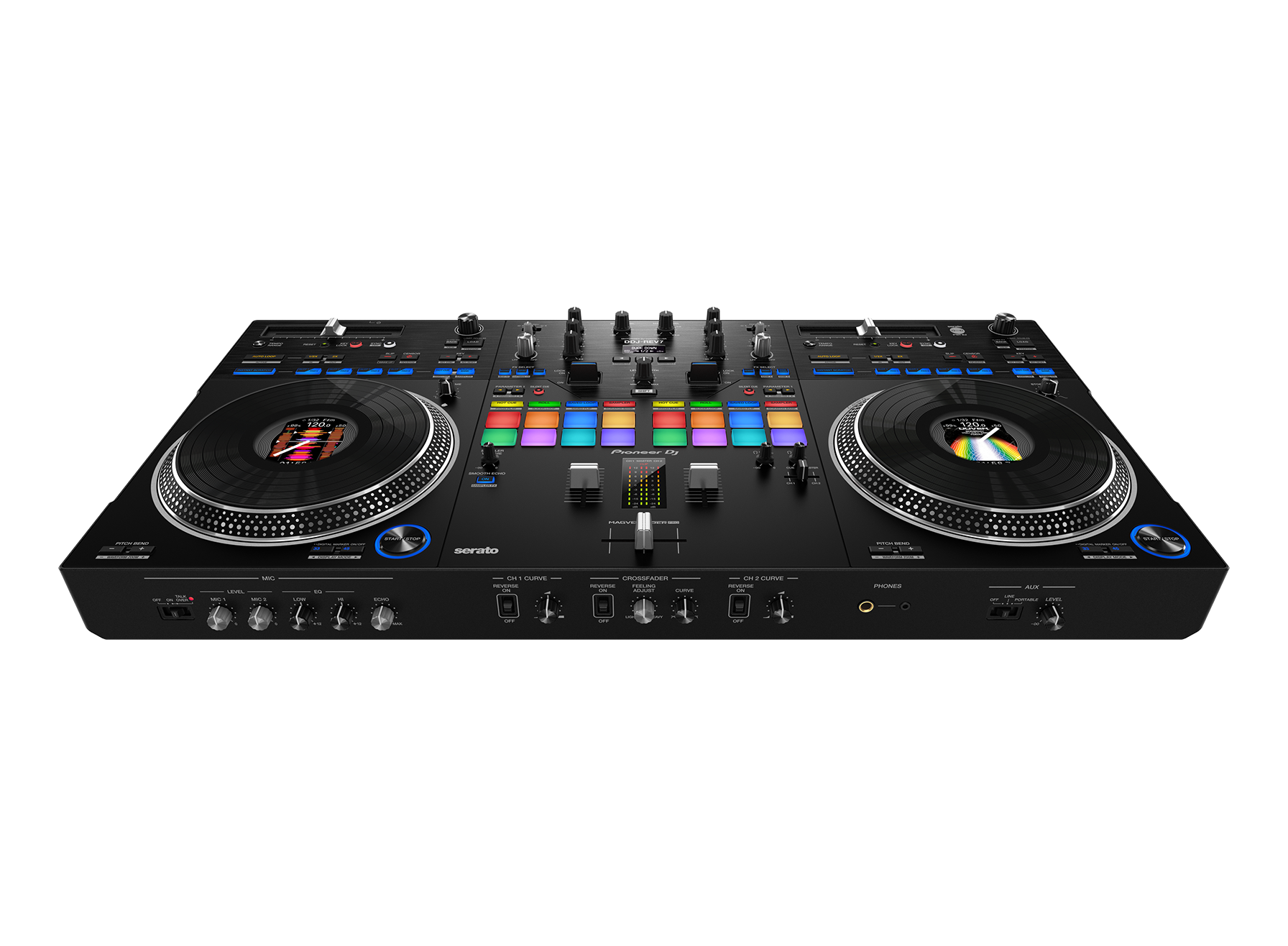
The DDJ-REV7 is solid and robust, yet still lightweight enough to grab by the handles on the chassis and carry to your next gig. Contrasting matte and hairline finishing in different sections of the aluminum top plate create distinction between the deck and mixer sections, so the layout looks like a traditional 2 x turntable + mixer setup, while the On Jog Displays mimic the label in the center of a vinyl record.
Other Features

Silent Cue
Switch on Silent Cue and avoid the sound of the music speeding up as the platter starts to spin. Simply choose a Hot Cue, then hit play on the deck and it will sound the same as hitting a cue point on a DJ player.

Smooth Echo
Assign the Smooth Echo effect to your choice from a selection of controls, e.g. a fader or pad. Then, when you turn on Smooth Echo with its dedicated button, the echo will be triggered as soon as you move the relevant control.
Plug and Play
As soon as you’ve downloaded Serato DJ Pro or rekordbox to your PC/Mac, you can simply connect the DDJ-REV7 via the supplied USB cable and start DJing.

Pitch ‘n Time DJ
A voucher for the Serato Pitch ‘n Time DJ Expansion Pack is included, which enables key shifting and key syncing with perfect audio quality.

High-quality audio
With a digital-to-analog converter from ESS Technologies and improvements to the audio design, the DDJ-REV7 achieves the highest sound quality of any Pioneer DJ controller.

Firmware Update Manager
You’ll be automatically notified when firmware updates become available. You can download the Firmware Update Manager here.
Specifications
AC adapter
Power requirements…………………………………………………….AC 100 V – 240 V, 50 Hz / 60 Hz
Rated current …………………………………………………………………………………………………….1.5 A
Rated output …………………………………………………………………………………….. DC 24 V, 3.75 A
General – Main unit
Power consumption ………………………………………………………………………. DC 24 V, 1 000 mA
Power consumption (off) …………………………………………………………………………………… 0.3 W
Main unit weight ……………………………………………………………………………… 10.7 kg / 23.6 lbs.
Max. external dimensions …………. (W x H x D) 732 x 82.4 x 382.2 mm / 28.8” x 3.2” x 15.0”
Tolerable operating temperature …………………………………..+5 °C – +35 °C (+41 °F – +95 °F)
Tolerable operating humidity …………………………………………….5 % – 85 % (no condensation)
Turntable part
Drive method……………………………………………………………………………. Servo type direct drive
Motor……………………………………………………………………………… 3-phase brushless DC motor
Braking system …………………………………………………………………………………. Electronic brake
Rotation speed……………………………………………………………………………… 33 1/3 rpm, 45 rpm
Rotation speed adjustment range ………………………………………………….. ±8 %, ±16 %, ±50 %
Turntable………………………………………………………..Aluminum die-casting Diameter: 207 mm
Starting torque …………………………………………………………………………..0.18 N·m (1.8 kgf·cm)
Start time…………………………………………………………………………..0.7 seconds (at 33 1/3 rpm)
Audio section
Sampling rate………………………………………………………………………………………………….48 kHz
A / D, D / A converter………………………………………………………………………………………….. 24bit
Frequency characteristic
USB, LINE, AUX (LINE / PORTABLE), MIC 1, MIC 2 ……………………….. 20 Hz – 20 kHz
S / N ratio (rated output, A-WEIGHTED)
USB………………………………………………………………………………………………………..110 dB
LINE ……………………………………………………………………………………………………….. 95 dB
PHONO …………………………………………………………………………………………………… 84 dB
AUX (LINE) ……………………………………………………………………………………………… 95 dB
AUX (PORTABLE)…………………………………………………………………………………….. 89 dB
MIC 1………………………………………………………………………………………………………. 81 dB
MIC 2………………………………………………………………………………………………………. 81 dB
Total harmonic distortion (20 Hz – 20 kHzBW)
USB………………………………………………………………………………………………………0.003 %
LINE ……………………………………………………………………………………………………..0.005 %
PHONO …………………………………………………………………………………………………0.017 %
Standard input level / Input impedance
LINE …………………………………………………………………………………………..-12 dBu / 47 kΩ
PHONO ………………………………………………………………………………………-52 dBu / 47 kΩ
AUX (LINE) …………………………………………………………………………………-12 dBu / 47 kΩ
AUX (PORTABLE)………………………………………………………………………..-24 dBu / 47 kΩ
MIC 1………………………………………………………………………………………….. -57 dBu / 3 kΩ
MIC 2………………………………………………………………………………………….. -57 dBu / 3 kΩ
Standard output level / Load impedance / Output impedance
MASTER 1 ……………………………………………………………. +6 dBu / 10 kΩ / 450 Ω or less
MASTER 2 ……………………………………………………………. +2 dBu / 10 kΩ / 820 Ω or less
BOOTH ………………………………………………………………… +6 dBu / 10 kΩ / 820 Ω or less
PHONES ………………………………………………………………….. +8 dBu / 32 Ω / 10 Ω or less
Rated output level / Load impedance
MASTER 1 ……………………………………………………………………………….. +24 dBu / 10 kΩ
MASTER 2 ……………………………………………………………………………….. +20 dBu / 10 kΩ
BOOTH ……………………………………………………………………………………..+24 dBu / 10 kΩ
Crosstalk
LINE ……………………………………………………………………………………………………….. 89 dB
PHONO …………………………………………………………………………………………………… 78 dB
Channel equalizer characteristic
HI…………………………………………………………………………………… -∞ dB – +6 dB (20 kHz)
MID……………………………………………………………………………………-∞ dB – +6 dB (1 kHz)
LOW ………………………………………………………………………………… -∞ dB – +6 dB (20 Hz)
Microphone equalizer characteristic
HI………………………………………………………………………………… -12 dB – +12 dB (10 kHz)
LOW …………………………………………………………………………….-12 dB – +12 dB (100 Hz)
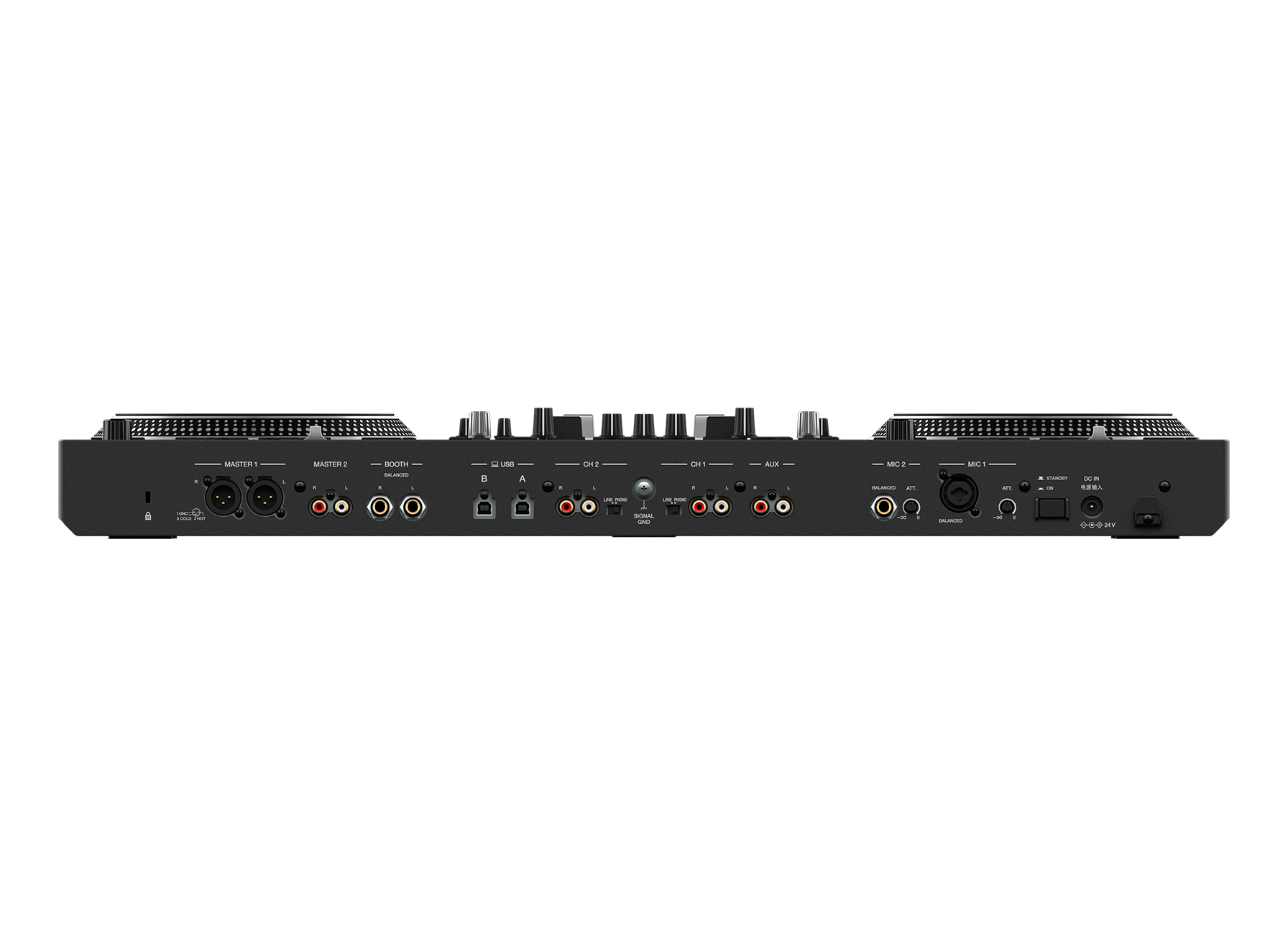
Input / Output terminals
LINE / PHONO input terminals
RCA pin jacks………………………………………………………………………………………….. 2 sets
MIC input terminal
XLR connector & 1/4″ TRS jack ……………………………………………………………………. 1 set
1/4″ TRS jack …………………………………………………………………………………………….. 1 set
AUX input terminal
RCA pin jacks…………………………………………………………………………………………….. 1 set
MASTER 1 output terminal
XLR connector …………………………………………………………………………………………… 1 set
MASTER 2 output terminal
RCA pin jacks…………………………………………………………………………………………….. 1 set
BOOTH output terminal
1/4″ TRS jack …………………………………………………………………………………………….. 1 set
PHONES output terminal
1/4″ stereo jack ………………………………………………………………………………………….. 1 set
3.5 mm stereo mini jack ………………………………………………………………………………. 1 set
USB terminals
USB type-B ……………………………………………………………………………………………… 2 sets
Specifications of external power supply (for European Union customers)
Manufacturer’s name ……………………………………………………..ALPHATHETA EMEA LIMITED
Commercial registration number……………………………………………………………………09230173
Address …………………………………Unit 39, Tileyard Studios, Tileyard Road, London, N7 9AH, U.K.
Model identifier……………………………………………………………………………………… UNI390-2437
Input voltage …………………………………………………………………………………. AC 100 V to 240 V
Input AC frequency ……………………………………………………………………………….. 50 Hz / 60 Hz
Output voltage…………………………………………………………………………………………… DC 24.0 V
Output current ………………………………………………………………………………………………….3.75 A
Output power ………………………………………………………………………………………………… 90.0 W
Average active efficiency ………………………………………………………………………………….88.3 %
Efficiency at low load (10 %)……………………………………………………………………………..88.5 %
No-load power consumption ……………………………………………………………………………. 0.19 W
Information requirements of the European Ecodesign Directive
English
• Use the [MASTER 1] terminals for balanced output only. Connecting the terminals to
unbalanced inputs (RCA, etc.) with an XLR-RCA conversion cable (conversion adapter),
etc. results in unwanted noises and/or poor sound quality.
• Use the [MASTER 2] terminals for unbalanced input (RCA, etc.).
• Use the [BOOTH] terminals for balanced output only. Connecting the terminals to
unbalanced inputs (RCA, TS connector, etc.) with a TRS-RCA conversion cable
(conversion adapter) or TS cable, etc. results in unwanted noises and/or poor sound
quality.
The specifications and design of this product are subject to change without notice.
Setup