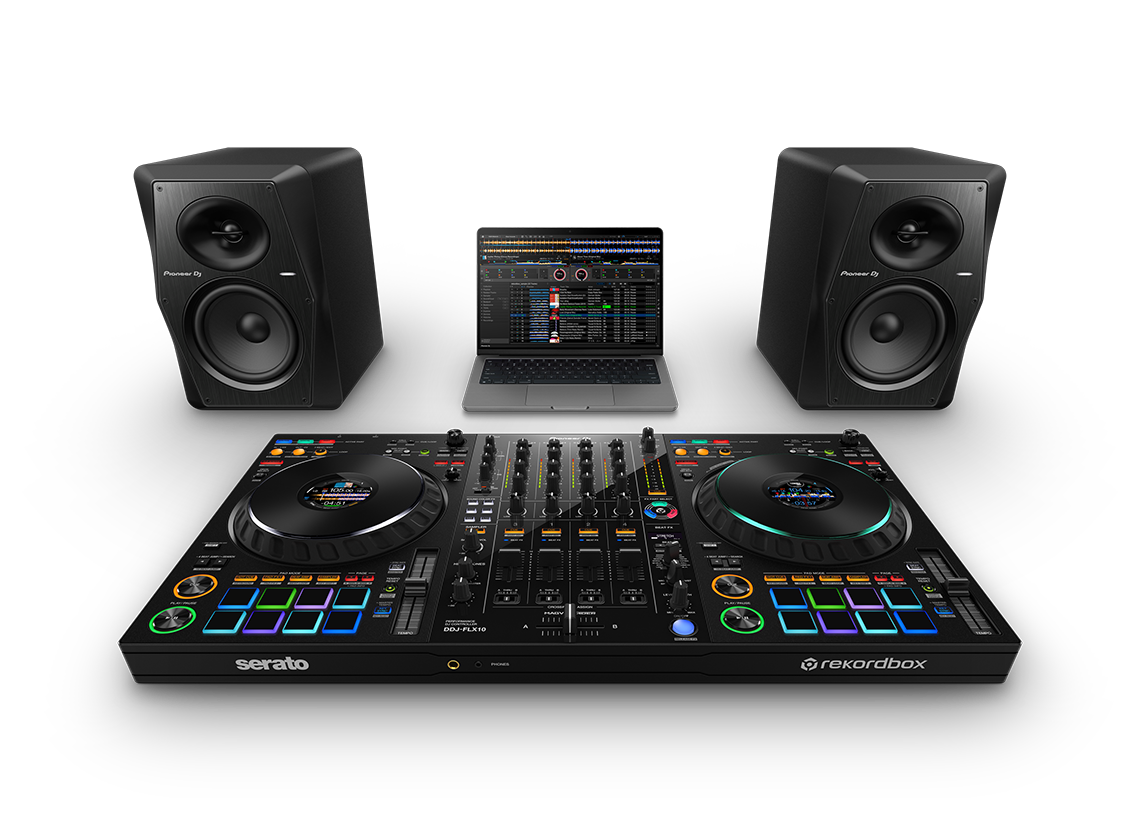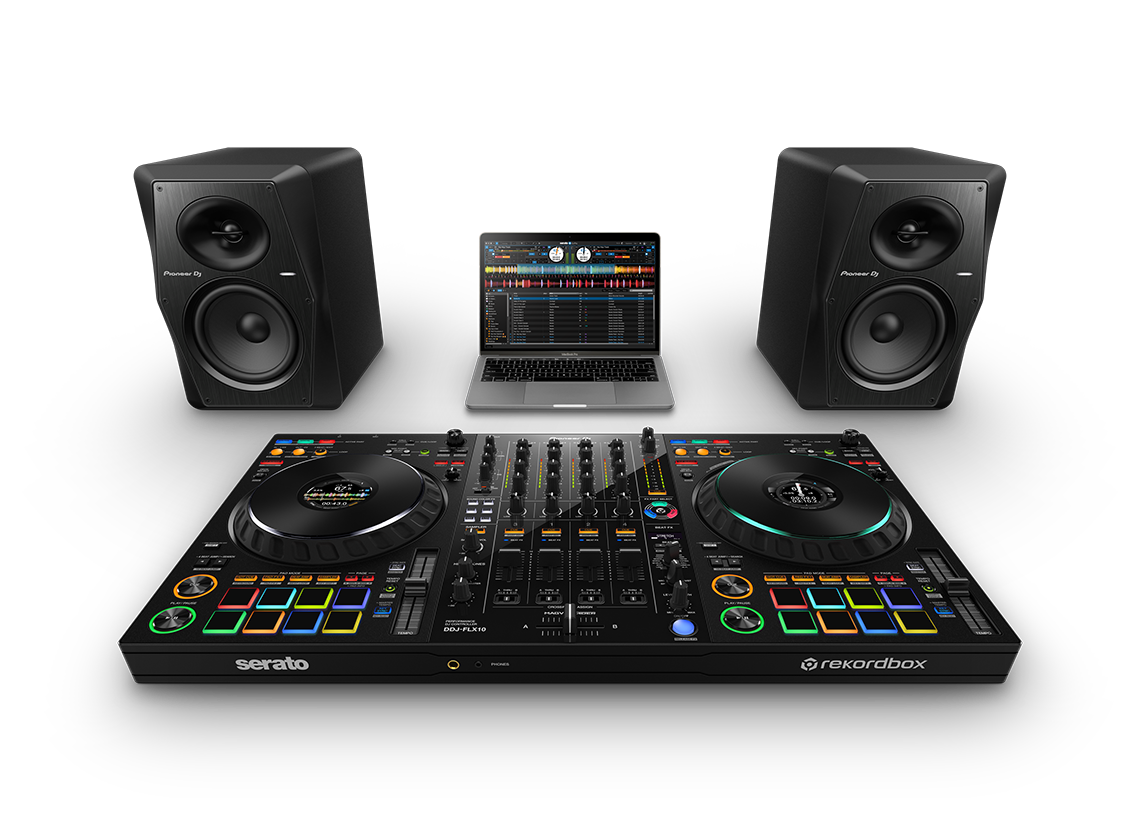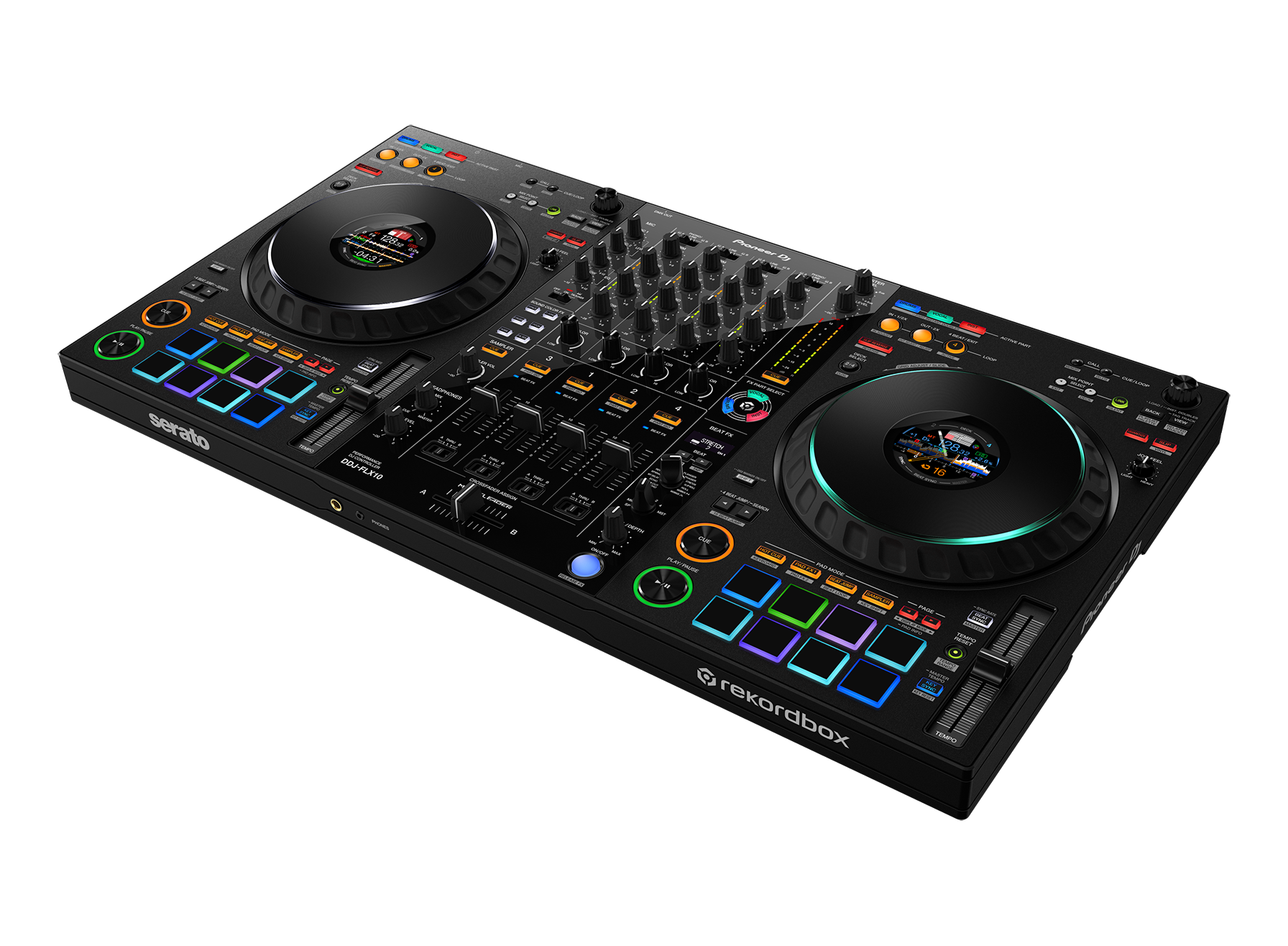
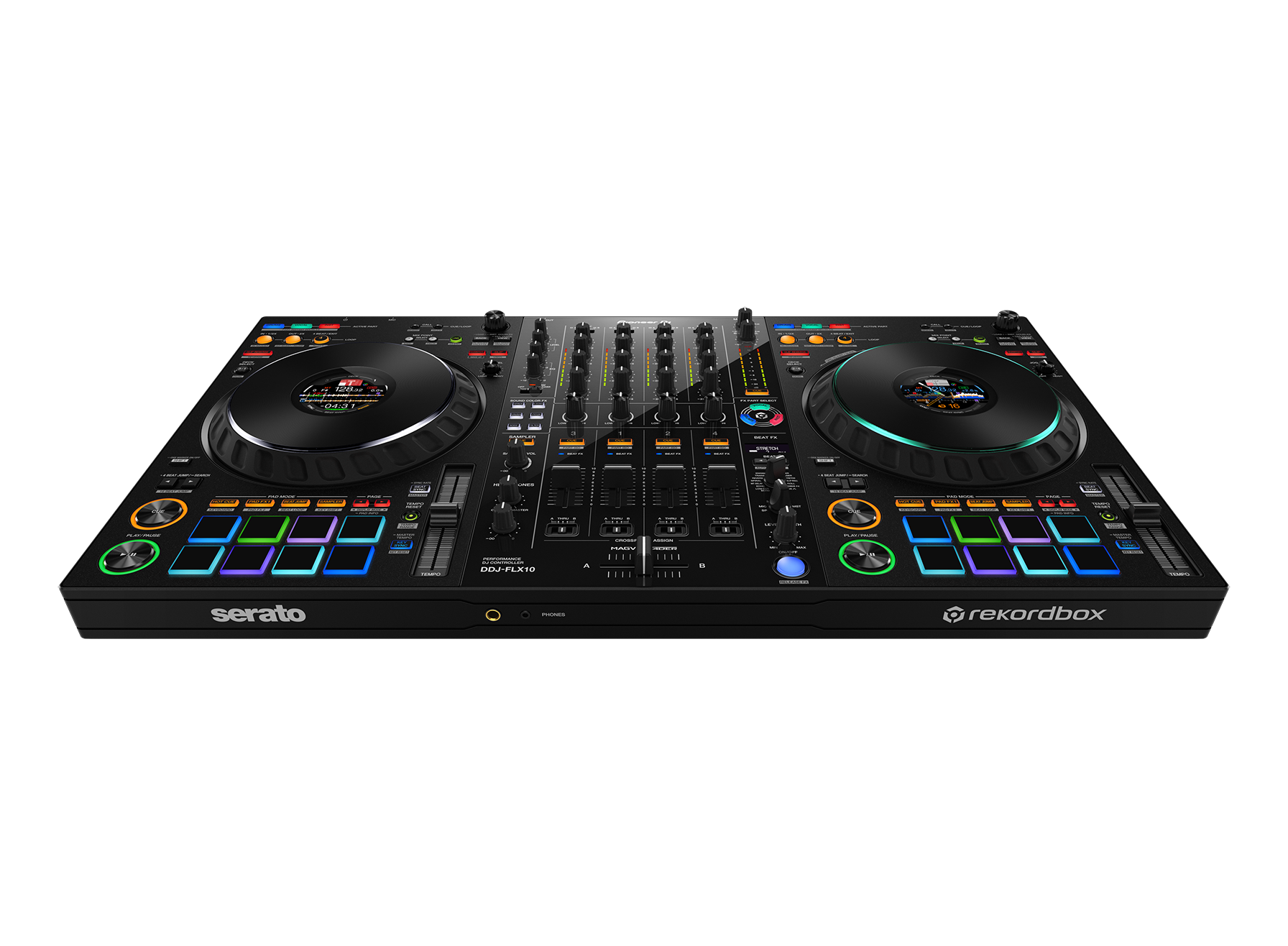
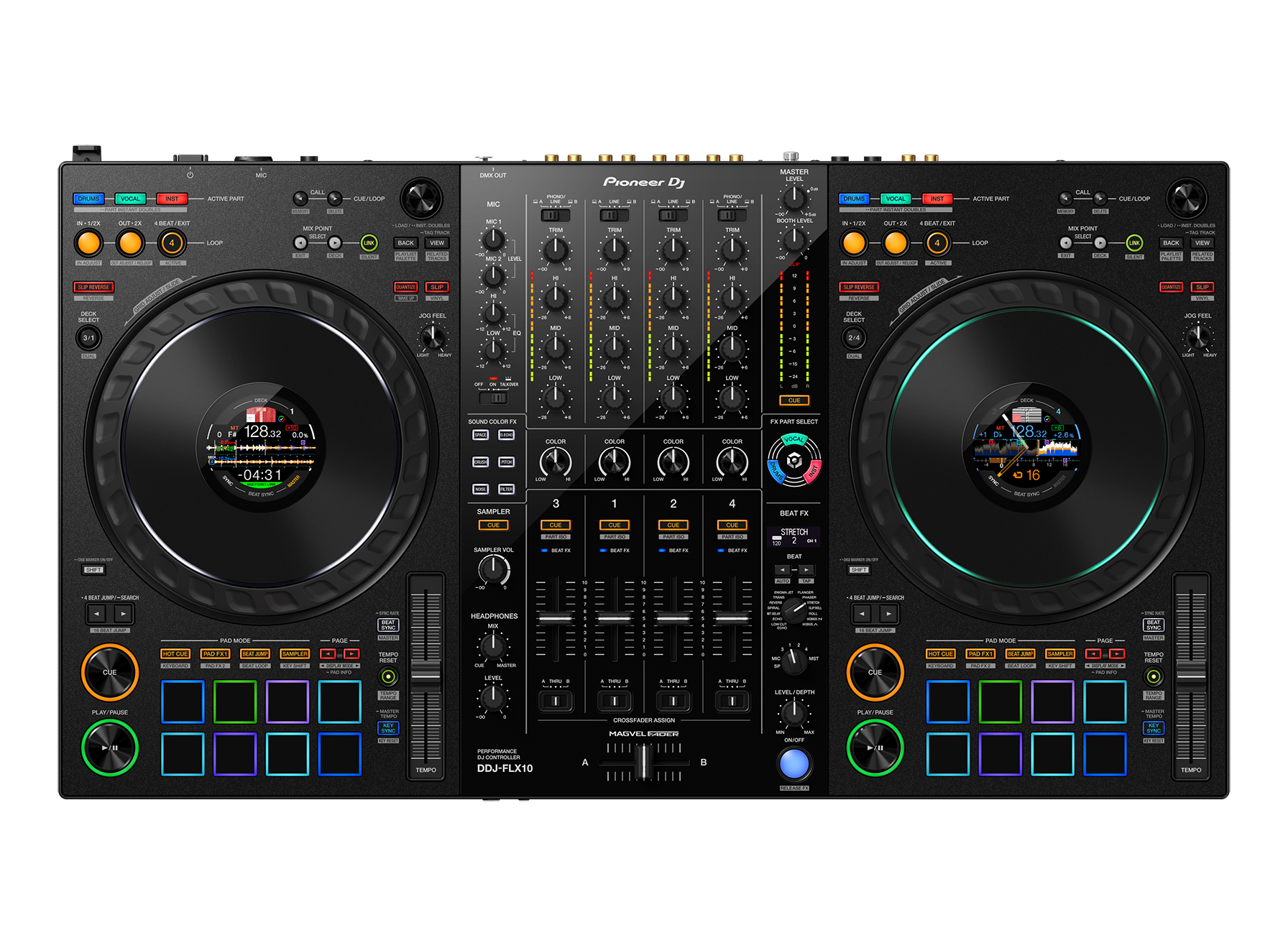
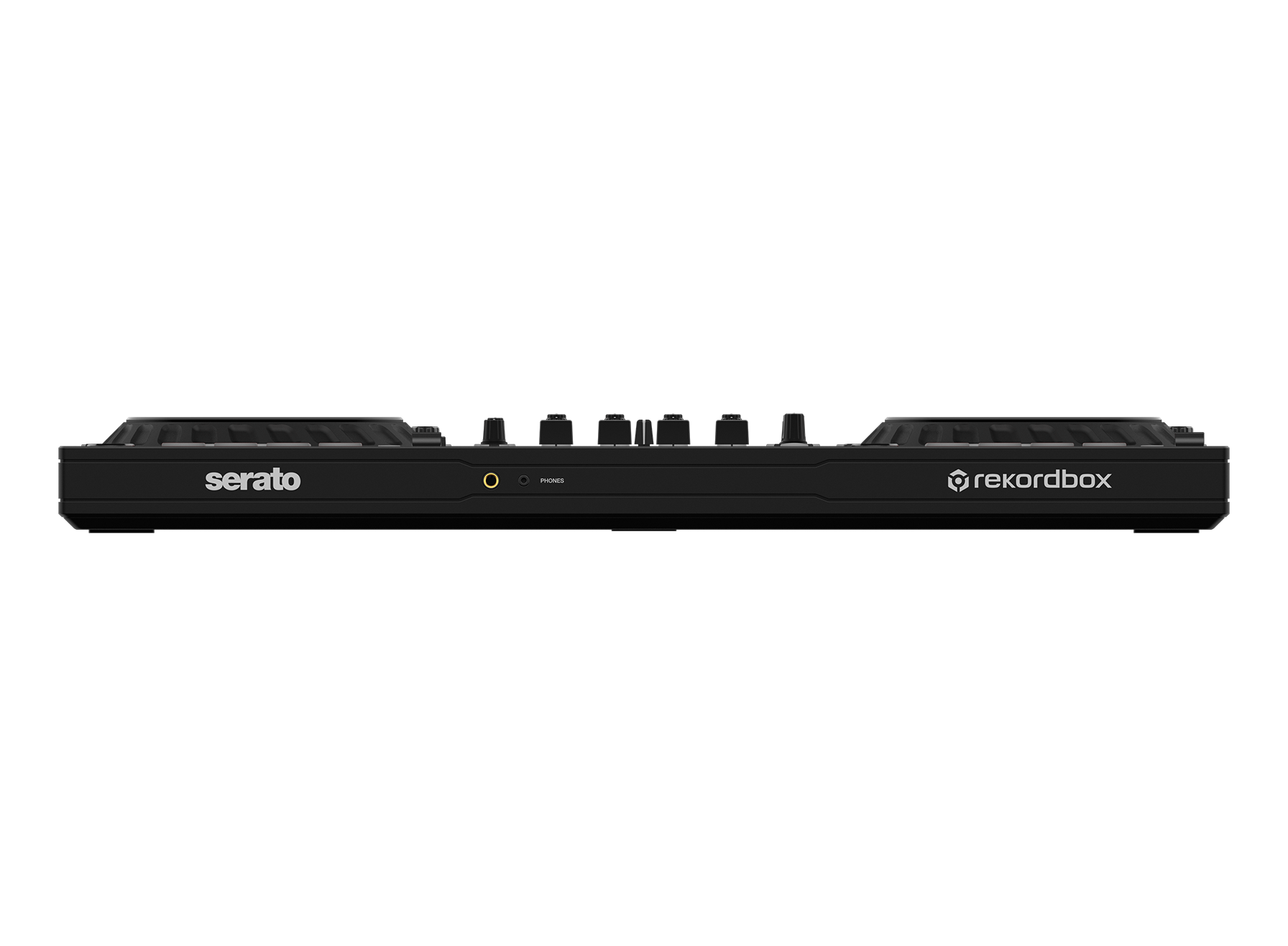
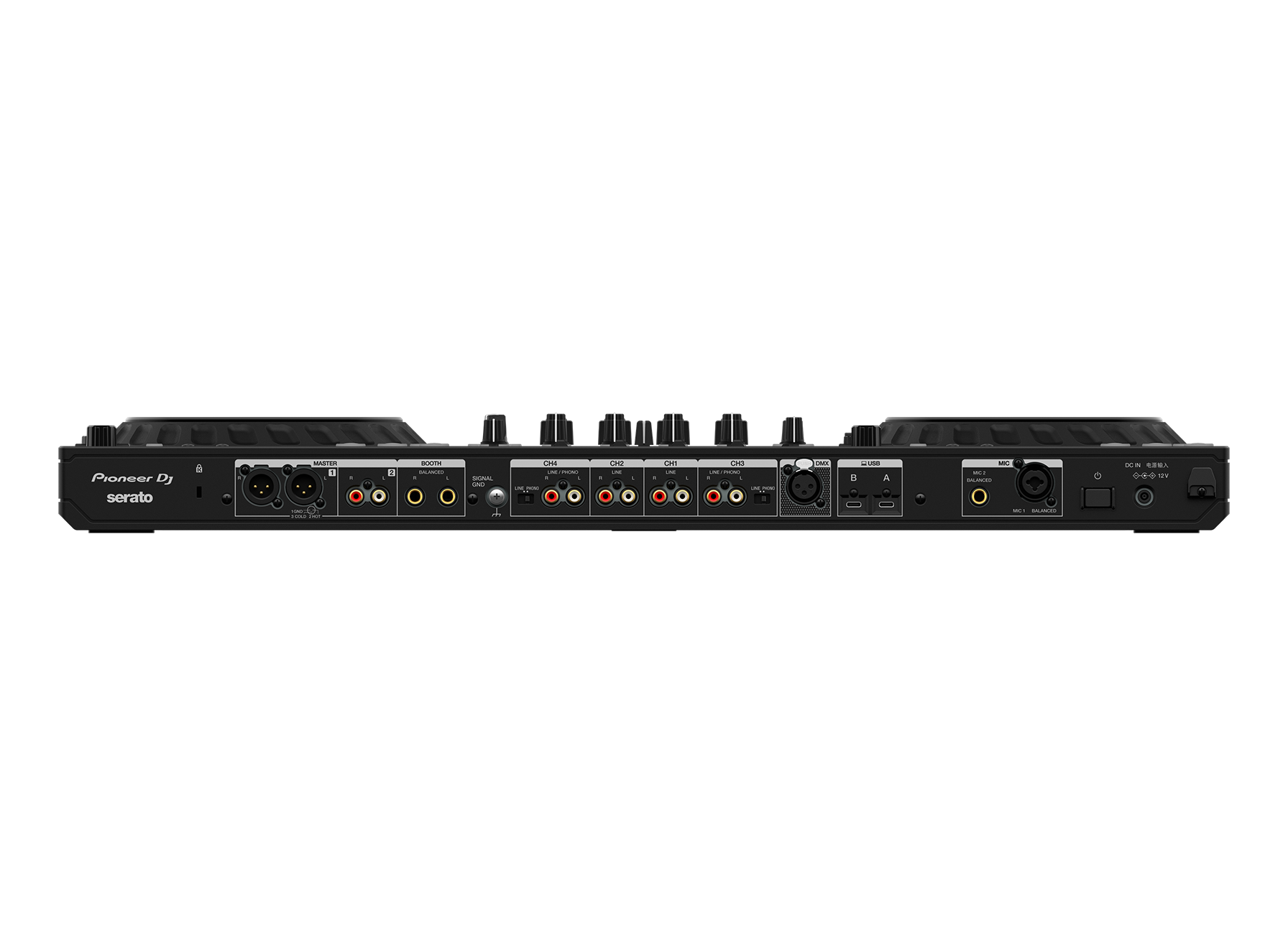
Description
STEMS for innovative performances including live mashups
Load the regular songs from your music library and create remixes and mash-ups on the fly by independently manipulating the 3 key parts of the music: vocals, drums, and inst (other instruments including bass and synths). There are dedicated color-coded buttons to control each part, so you’ll always have a clear visual grasp of what’s playing.
- ACTIVE PART & PART ISO
Individually adjust the volume for the vocals, drums, or inst, or mute them completely. - FX PART SELECT
Choose which parts of a track you want to apply effects to. - PART INSTANT DOUBLES
Isolate a specific part of the track (vocal, drums, or inst) and transfer it to another deck.
See details of the STEMS function


Expanded On Jog Display
Customize the information you see on the jogs so there’s no need to take your eyes off the decks. Choose from 4 modes, some of which show 3 Band Waveforms (rekordbox only), and keep an eye on Mix Point Link and rekordbox vocal position analysis information, as well as Performance Pad status.
- DECK INFO MODE
Shows the information about the deck, including the Overall Waveform. (When using Serato DJ Pro, this mode shows the virtual deck of Serato DJ Pro.) - WAVEFORM MODE
Shows the Zoomed Waveforms for 2 decks. - ARTWORK DISPLAY
Shows the artwork for the track that’s playing. - DJ LOGO DISPLAY
Shows your own logo or favorite image on each deck after using the Image Transfer Tool for PC/Mac.
New Mix Point Link for seamless transitions
Take advantage of a completely new playback concept in rekordbox that enables you to create slick musical progression in your sets by linking mix points in tracks so the next song kicks in at the perfect moment. You might set the next track to start from the beginning of its melody when the vocal of the current song ends, ensuring a seamless transition without a sound clash. There’s no need to count down or press play manually, which also leaves your hands free to create mash-ups or add effects.
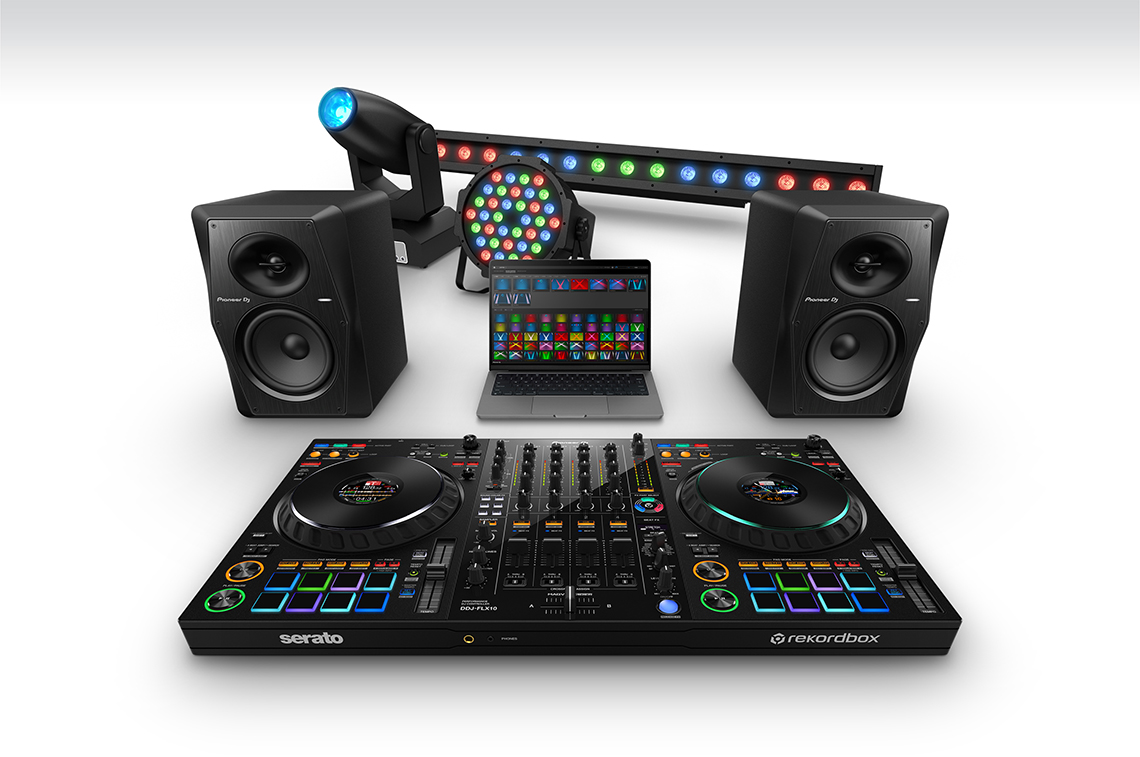
DMX output for rekordbox Lighting function
Liven up your performances with lighting effects that match the mood of the tracks you play. It’s easy with the rekordbox Lighting function and, thanks to the DMX output on the DDJ-FLX10, you don’t need any other equipment such as an external DMX interface. Simply connect DMX-compatible lighting equipment to the controller and use rekordbox to create custom lighting effects, or set the software to automatically adapt the color and movement of the lights to progress with the music.

Evolved MAGVEL FADER 4-sensor system
Improved from the 2-sensor system on the DDJ-1000, the MAGVEL FADER on the DDJ-FLX10 uses a 4-sensor system. This allows you to make the tiniest volume adjustments, no matter how small the movement of the crossfader, enabling more musical performances.

rekordbox, Serato DJ Pro, and djay Pro compatibility
The DDJ-FLX10 offers free plug-and-play compatibility with rekordbox and Serato DJ Pro. It is also compatible with djay Pro*, giving you hands-on control of your favorite software application. DVS support is available for rekordbox via selected subscription plans, and for Serato via a paid license/subscription to Serato DJ Expansions or Serato DJ Suite.
* A paid djay Pro subscription is required to use djay Pro with the DDJ-FLX10.
Multicolored jog ring
You can use the first-ever multicolored jog ring on a Pioneer DJ controller to indicate the different parts of the track that are playing when you’re using the STEMS features, or you can customize the colors to your preferred look.

USB Type-C
Connect your PC/Mac directly to the controller’s USB Type-C terminal with a single cable.

Pitch ‘n Time DJ
A voucher for the Serato Pitch ‘n Time DJ Expansion Pack is included, which enables key shifting and key syncing with perfect audio quality.

Performance Pads
Hit the 8 back-lit rubber Performance Pads to trigger Hot Cues, Pad FX, Beat Jump, and the sampler.

Firmware Update Manager
You’ll be automatically notified when firmware updates become available. You can download the Firmware Update Manager here.
Specifications
AC adapter
Power requirements ……………………. AC 100 V – 240 V, 50 Hz / 60 Hz
Rated current…………………………………………………………………….. 0.9 A
Rated output ……………………………………………………………DC 12 V, 3 A
General – Main Unit
Power consumption …………………………………………DC 12 V, 1 800 mA
Power consumption (off)……………………………………………………..0.2 W
Main unit weight………………………………………………….6.7 kg / 14.8 lbs.
Max. external dimensions (W x D x H)
…………………………………. 716 x 400.3 x 73.4 mm / 28.2” x 15.8” x 2.9”
Tolerable operating temperature…… +5 °C – +35 °C (+41 °F – +95 °F)
Tolerable operating humidity…………….. 5 % – 85 % (no condensation)
Audio Section
Sampling rate ………………………………………………………………. 44.1 kHz
A/D, D/A converters …………………………………………………………… 24 bit
Frequency characteristic
USB, LINE, MIC1, MIC2……………………………………..20 Hz – 20 kHz
S/N ratio (rated output, A-WEIGHTED)
USB ……………………………………………………………………………. 110 dB
LINE ……………………………………………………………………………..94 dB
PHONO …………………………………………………………………………83 dB
MIC 1 …………………………………………………………………………….81 dB
MIC 2 …………………………………………………………………………….81 dB
Total harmonic distortion (20 Hz to 20 kHz BW)
USB ………………………………………………………………………….. 0.002 %
LINE …………………………………………………………………………. 0.007 %
PHONO …………………………………………………………………….. 0.025 %
Standard input level / Input impedance
LINE ………………………………………………………………. -12 dBu / 47 kΩ
PHONO ………………………………………………………….. -52 dBu / 47 kΩ
MIC 1 ……………………………………………………………….. -57 dBu / 3 kΩ
MIC 2 ……………………………………………………………….. -57 dBu / 3 kΩ
Standard output level / Load impedance / Output impedance
MASTER 1 …………………………………. +6 dBu / 10 kΩ / 330 Ω or less
MASTER 2 …………………………………. +2 dBu / 10 kΩ / 750 Ω or less
BOOTH………………………………………. +6 dBu / 10 kΩ / 900 Ω or less
PHONES ………………………………………..+8 dBu / 32 Ω / 10 Ω or less
Rated output level / Load impedance
MASTER 1 …………………………………………………….. +25 dBu / 10 kΩ
MASTER 2 …………………………………………………….. +21 dBu / 10 kΩ
BOOTH………………………………………………………….. +25 dBu / 10 kΩ
Crosstalk
LINE ……………………………………………………………………………..88 dB
PHONO …………………………………………………………………………77 dB
Channel equalizer characteristic
HI ……………………………………………………….. -26 dB – +6 dB (20 kHz)
MID ………………………………………………………. -26 dB – +6 dB (1 kHz)
LOW …………………………………………………….. -26 dB – +6 dB (20 Hz)
Microphone equalizer characteristic
HI ……………………………………………………… -12 dB – +12 dB (10 kHz)
LOW …………………………………………………. -12 dB – +12 dB (100 Hz)
DMX Section
DMX channel ………………………………………………… 1 universe (512 ch)
Input / Output terminals
LINE input terminals
RCA pin jacks …………………………………………………………………2 sets
LINE / PHONO input terminals
RCA pin jacks …………………………………………………………………2 sets
MIC input terminals
XLR connector & 1/4″ TRS jack…………………………………………. 1 set
1/4” TRS jack ………………………………………………………………….. 1 set
MASTER 1 output terminal
XLR connector ………………………………………………………………… 1 set
MASTER 2 output terminal
RCA pin jacks …………………………………………………………………. 1 set
BOOTH output terminal
1/4″ TRS jacks ………………………………………………………………… 1 set
PHONES output terminals
1/4” stereo jack ……………………………………………………………….. 1 set
3.5 mm stereo mini jack……………………………………………………. 1 set
USB ports
USB Type-C……………………………………………………………………2 sets
DMX terminals
XLR connector (3 pins) …………………………………………………….. 1 set
Specifications of external power supply (for European Union
customers)
Manufacturer’s name……………………… ALPHATHETA EMEA LIMITED
Commercial registration number …………………………………… 09230173
Adress ….. Unit 39, Tileyard Studios, Tileyard Road, London, N7 9AH,
U.K.
Model identifier ……………………………………………………….UNI336-1230
Input voltage ………………………………………………….. AC 100 V to 240 V
Input AC frequency ………………………………………………… 50 Hz / 60 Hz
Output voltage …………………………………………………………….DC 12.0 V
Output current……………………………………………………………………. 3.0 A
Output power …………………………………………………………………..36.0 W
Average active efficiency ………………………………………………….. 88.7 %
Efficiency at low load (10 %) …………………………………………….. 84.9 %
No-load power consumption………………………………………………0.04 W
Information requirements of the European Ecodesign Directive
• Be sure to use the [MASTER 1] output terminals for a balanced
output.
If these terminals are connected to an unbalanced input (such as
RCA) using an XLR to RCA converter cable (or converter adapter),
etc., the sound quality may be lowered or unwanted noise may occur.
• For connection with an unbalanced input (such as RCA), use the
[MASTER 2] output terminals.
• Be sure to use the [BOOTH] output terminals for a balanced output.
If these terminals are connected to an unbalanced input (such as an
RCA or TS terminal) with a TRS to RCA converter cable (or converter
adapter), TS cable, etc., the sound quality may be lowered or
unwanted noise may occur.
• The specifications and design of this product are subject to change
without notice.
Setup